What we built
Every page of the console, as it looks today. The console is built to look and work like Google's Cloud Tasks and Cloud Scheduler, on Cloudflare's free plan.
Each page is shown at laptop width (in light mode the whole page, in dark mode its first screen) and at phone width. The data is a made-up demo project, shop, on a local copy: its queues and jobs are paused and every address is example.invalid.
Pages shown
23
Widths
Phone to laptop
Themes
Light and dark
Signing in
Sign in
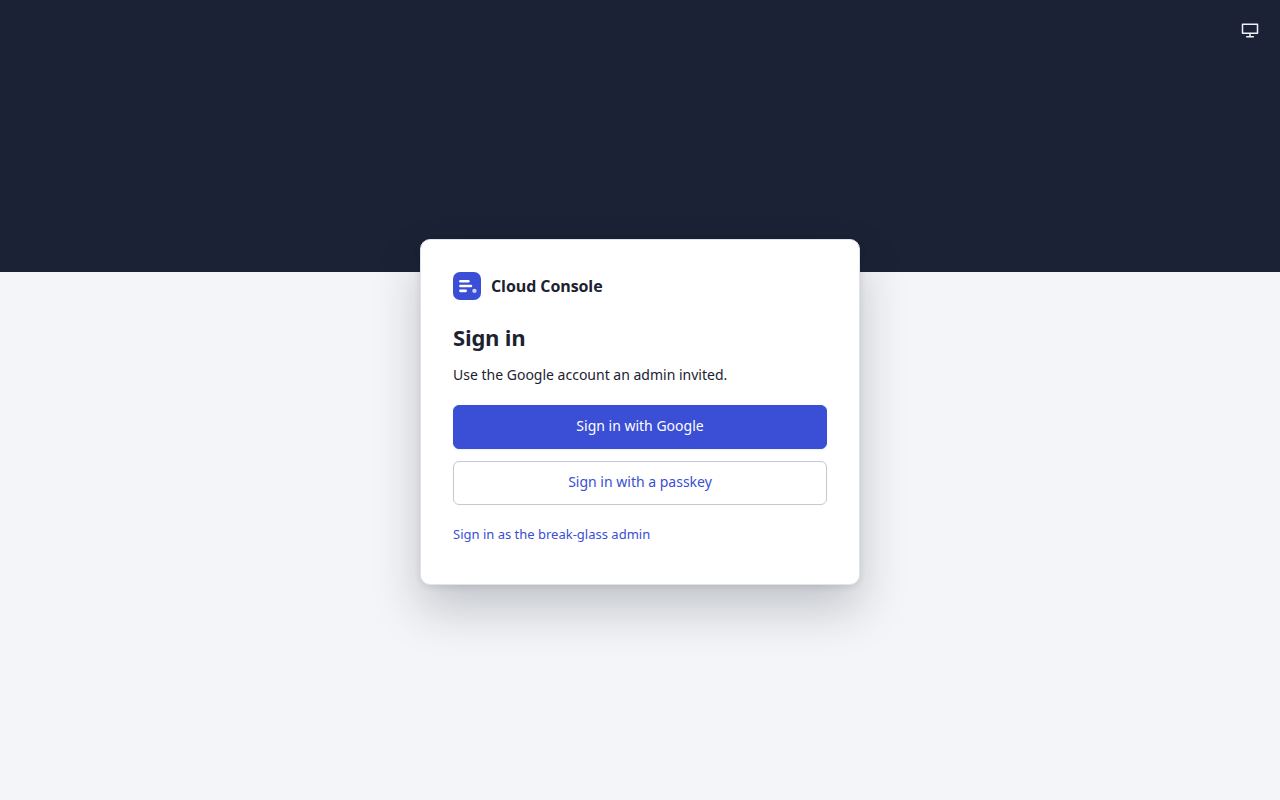
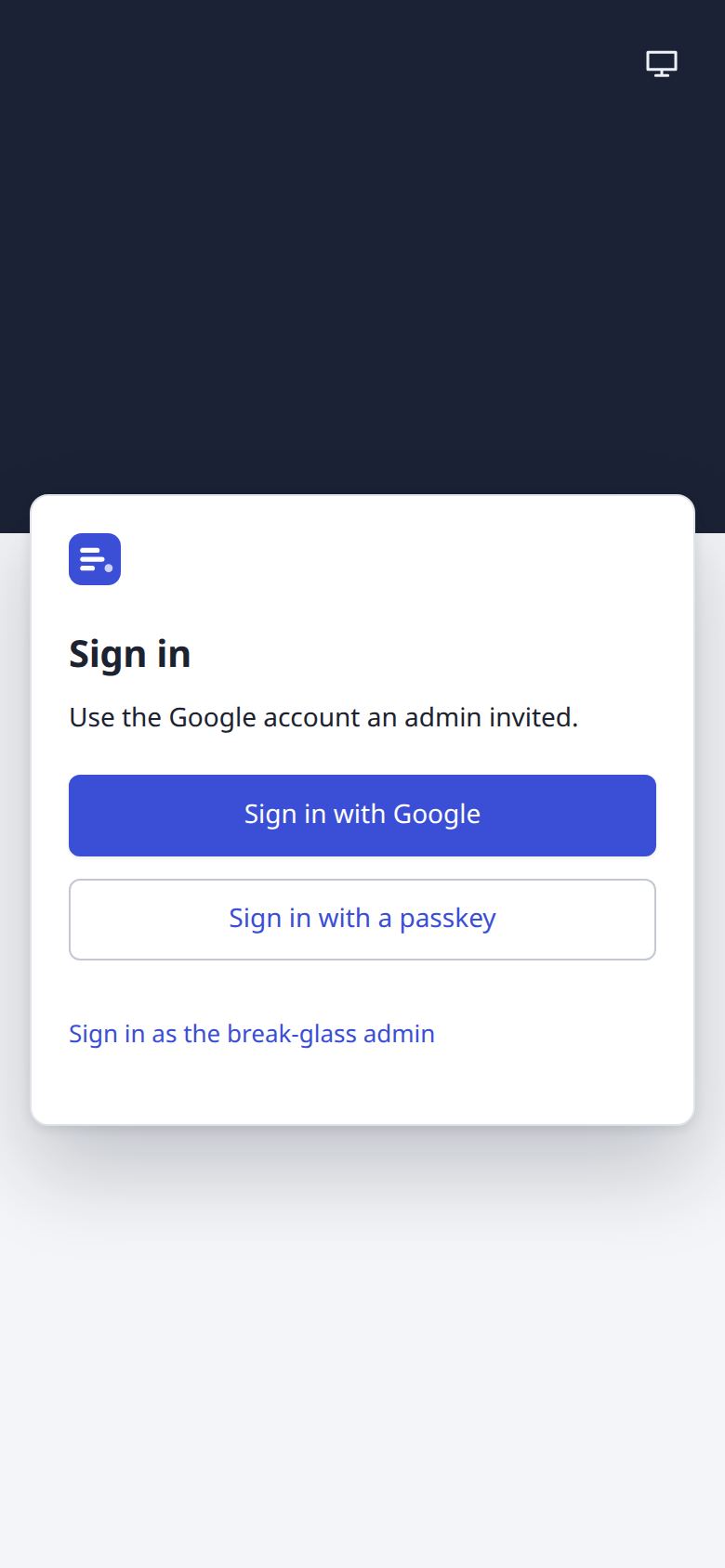
Sign in with Google, or with a passkey. People come in only by an admin's invitation; the break-glass admin has a link of its own.
Admin sign-in
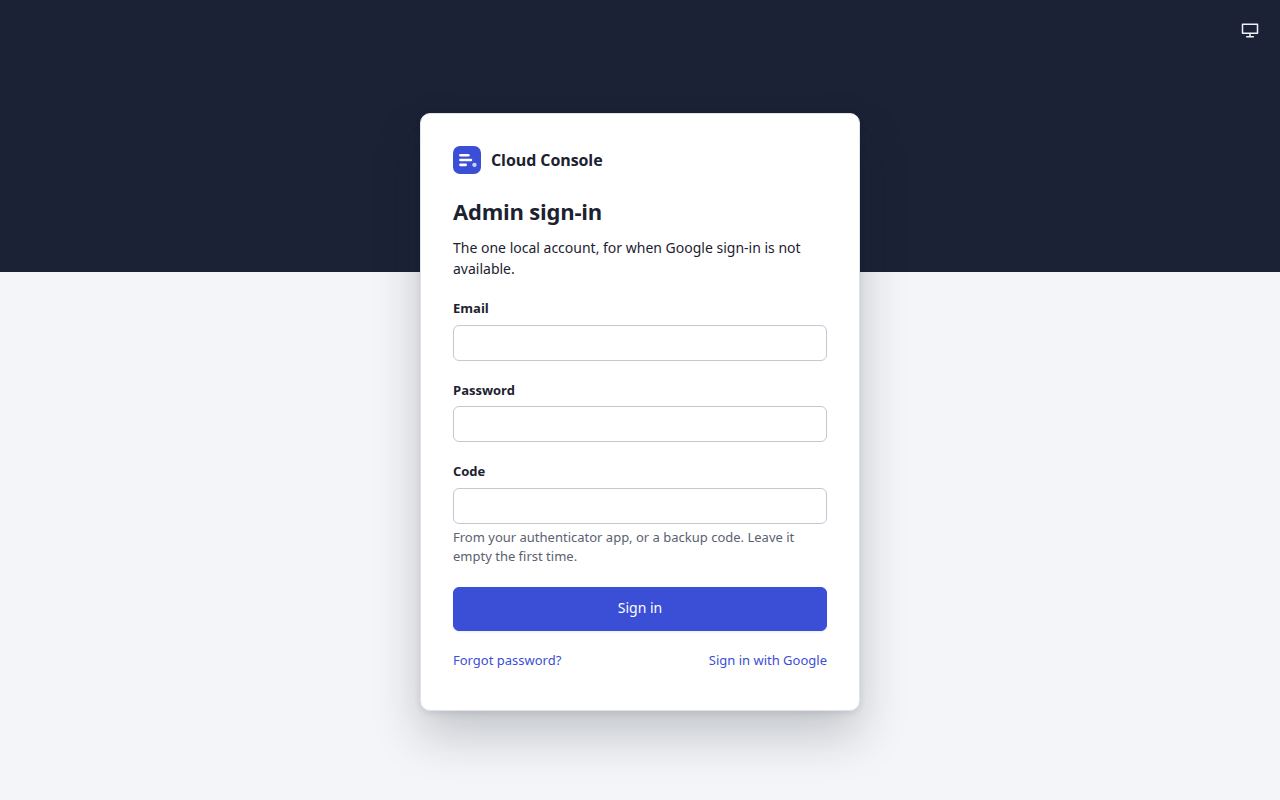
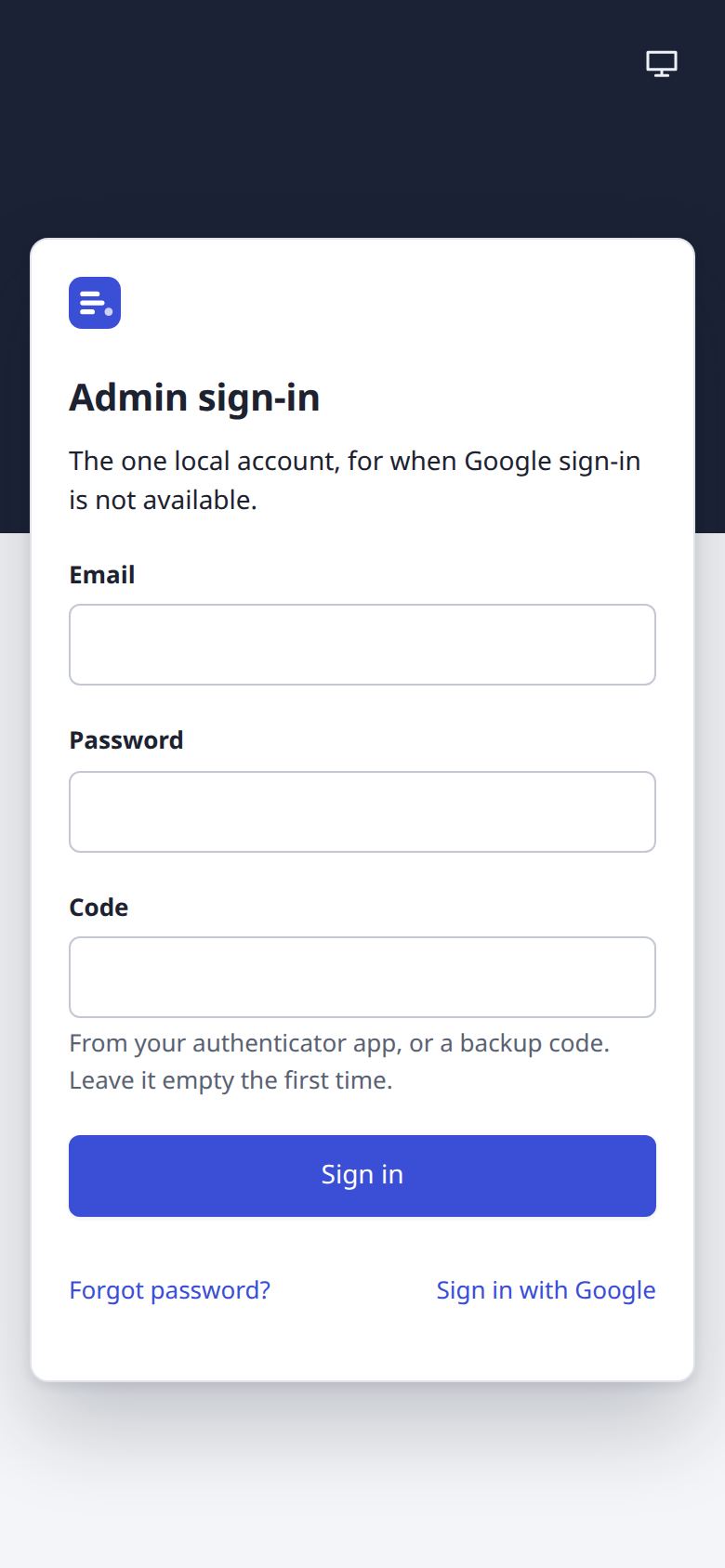
The one local admin, for when Google is not available: email, password and a code from an authenticator app. The first sign-in sets up the authenticator and shows ten backup codes once.
Overview
Dashboard
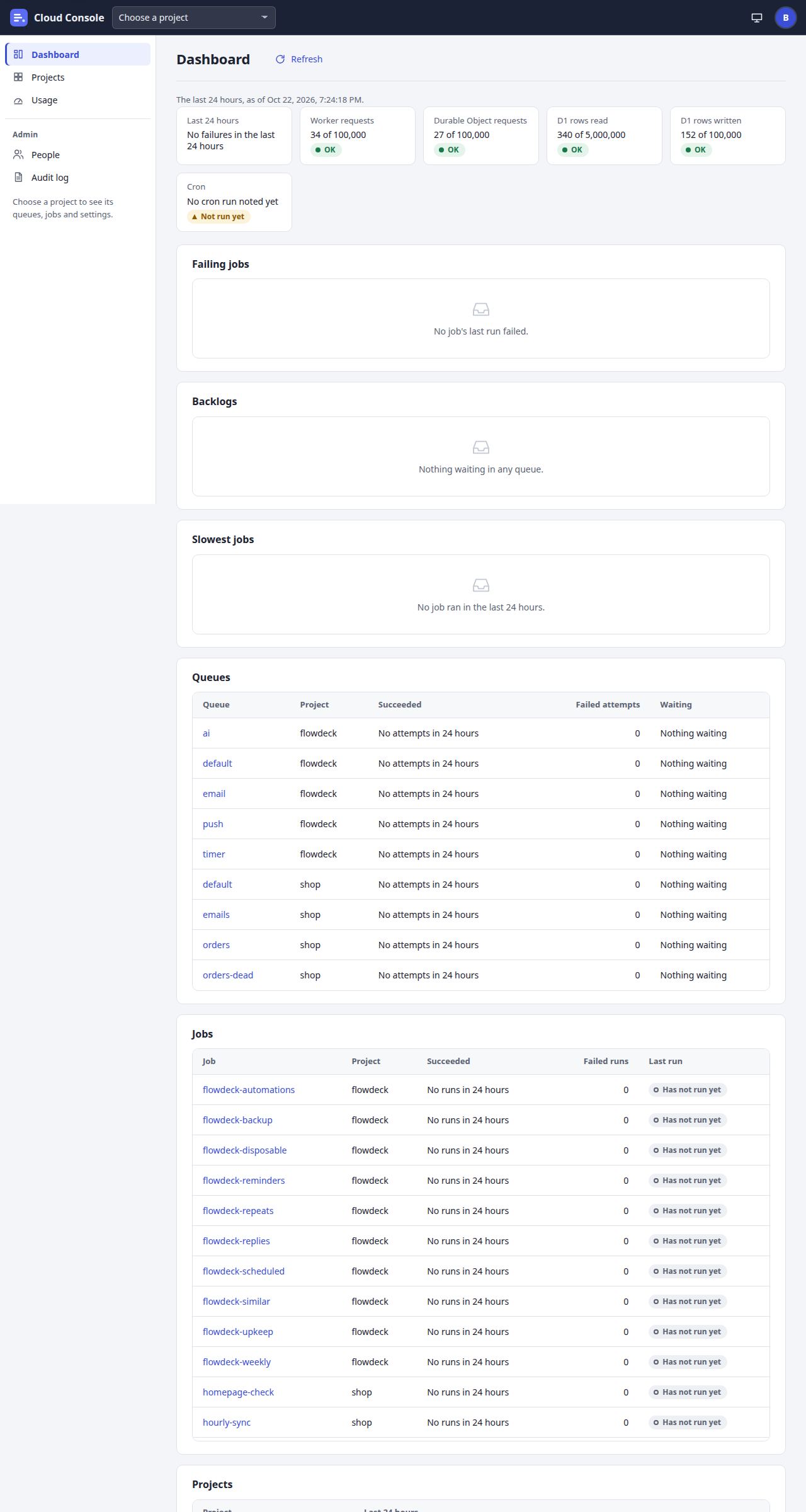
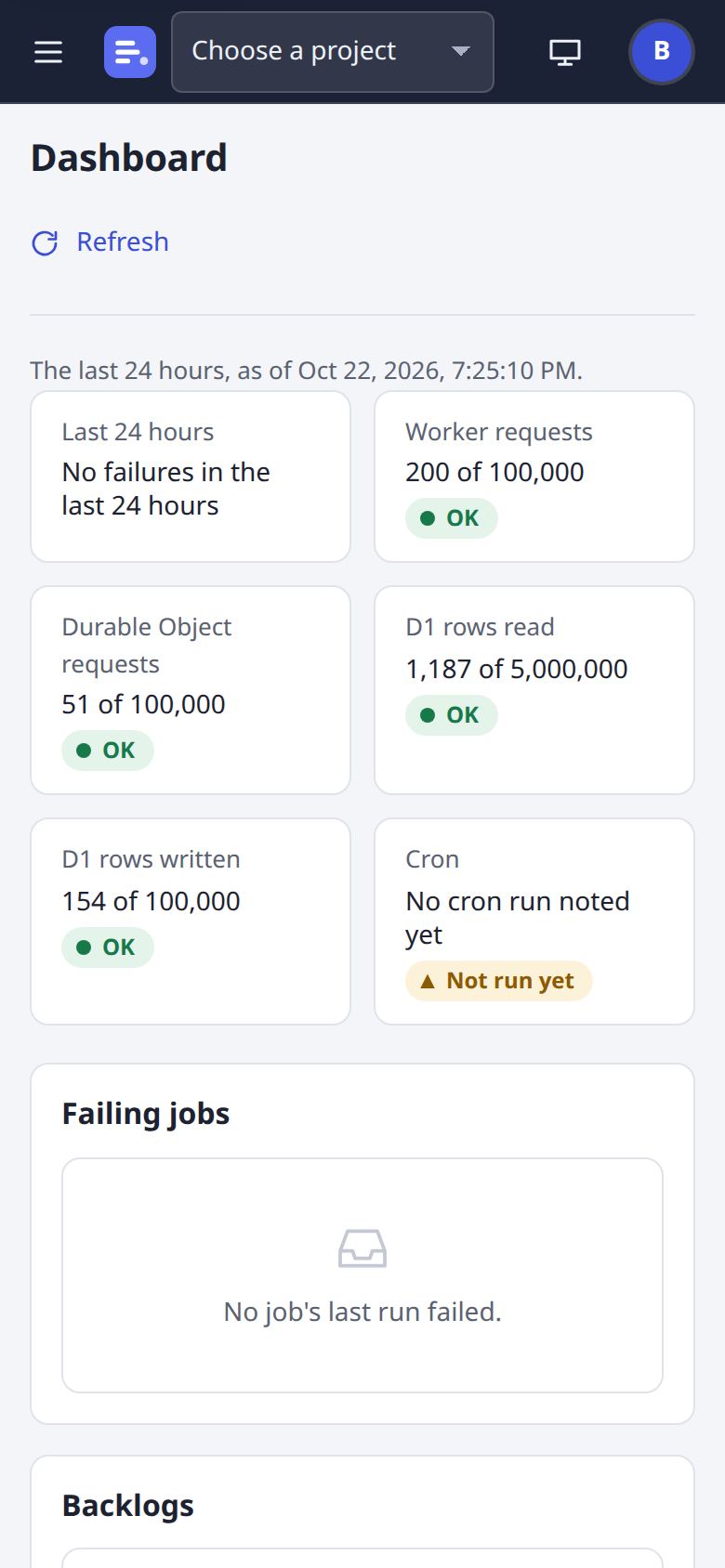
Every project the person may read, at a glance: failures in the last 24 hours, the free-plan meters, the cron's heartbeat, failing jobs and backlogs. (The local copy runs no cron, so its tile says Not run yet.)
Projects
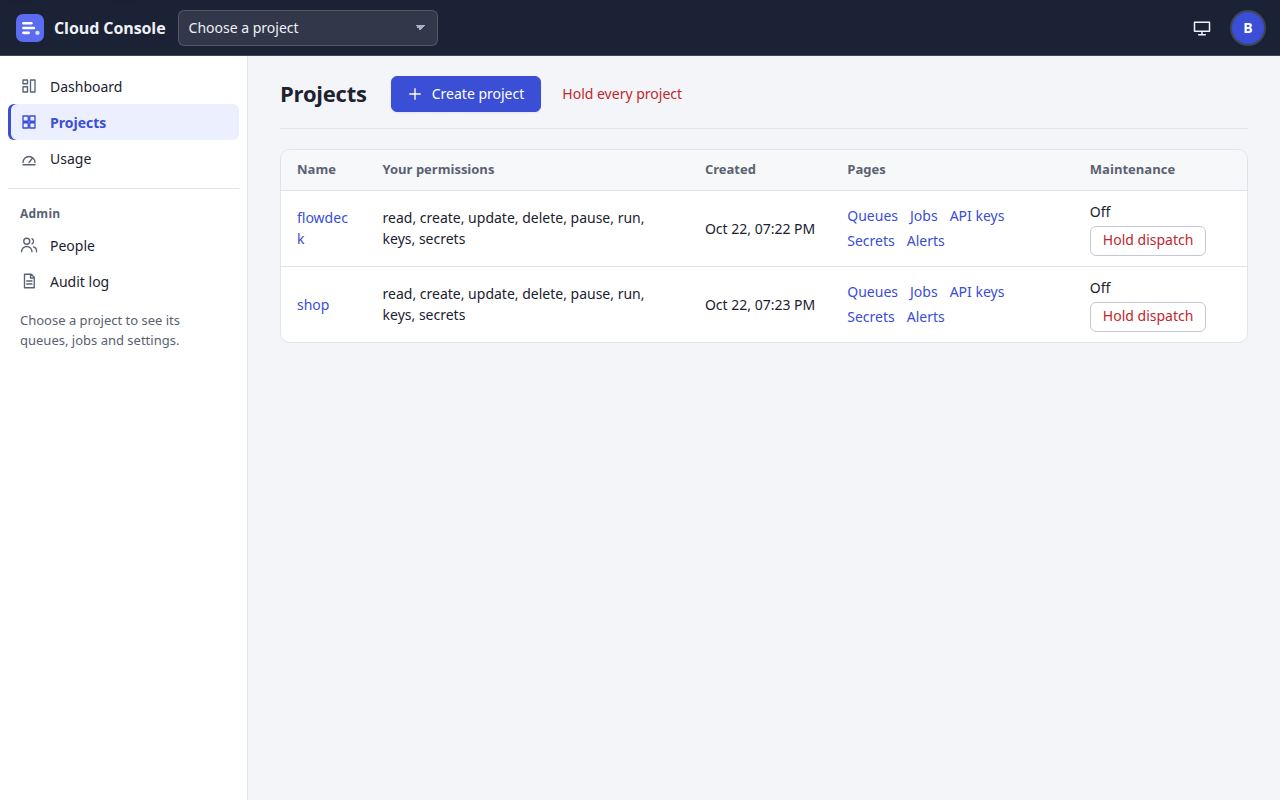
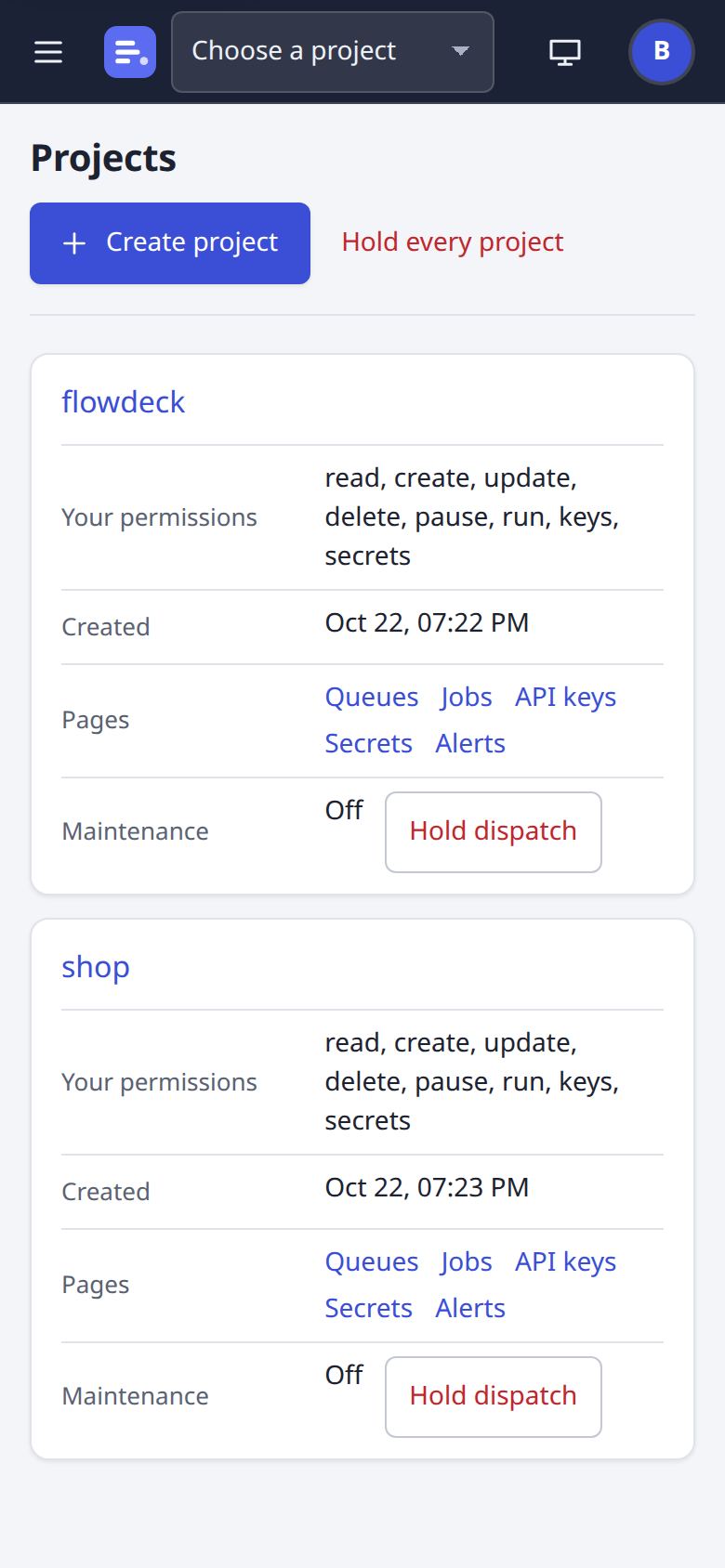
Each project with its links (API keys, secrets and alerts, as the person's permissions allow) and its maintenance switch; admins also see the console's own switch.
Usage
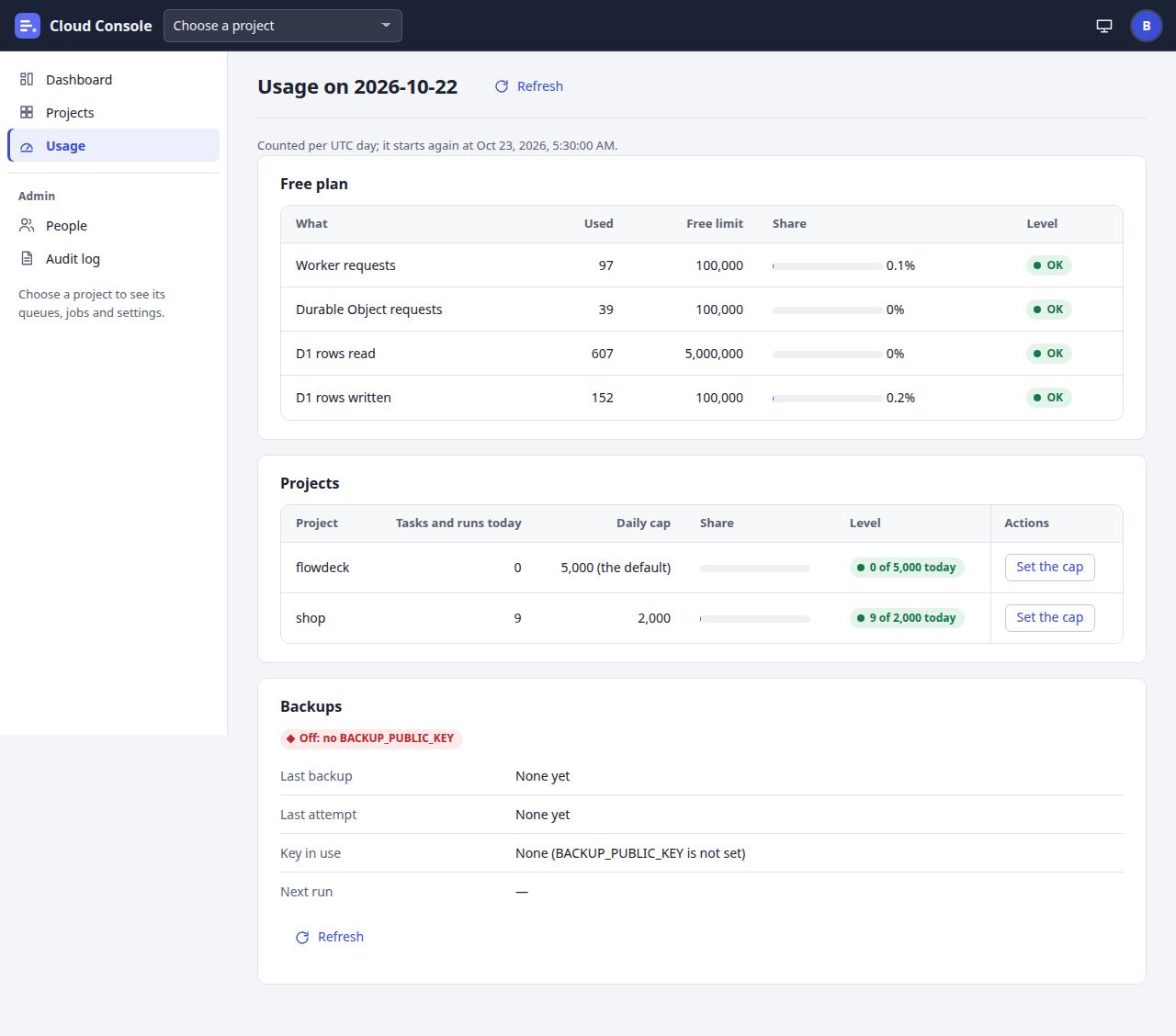
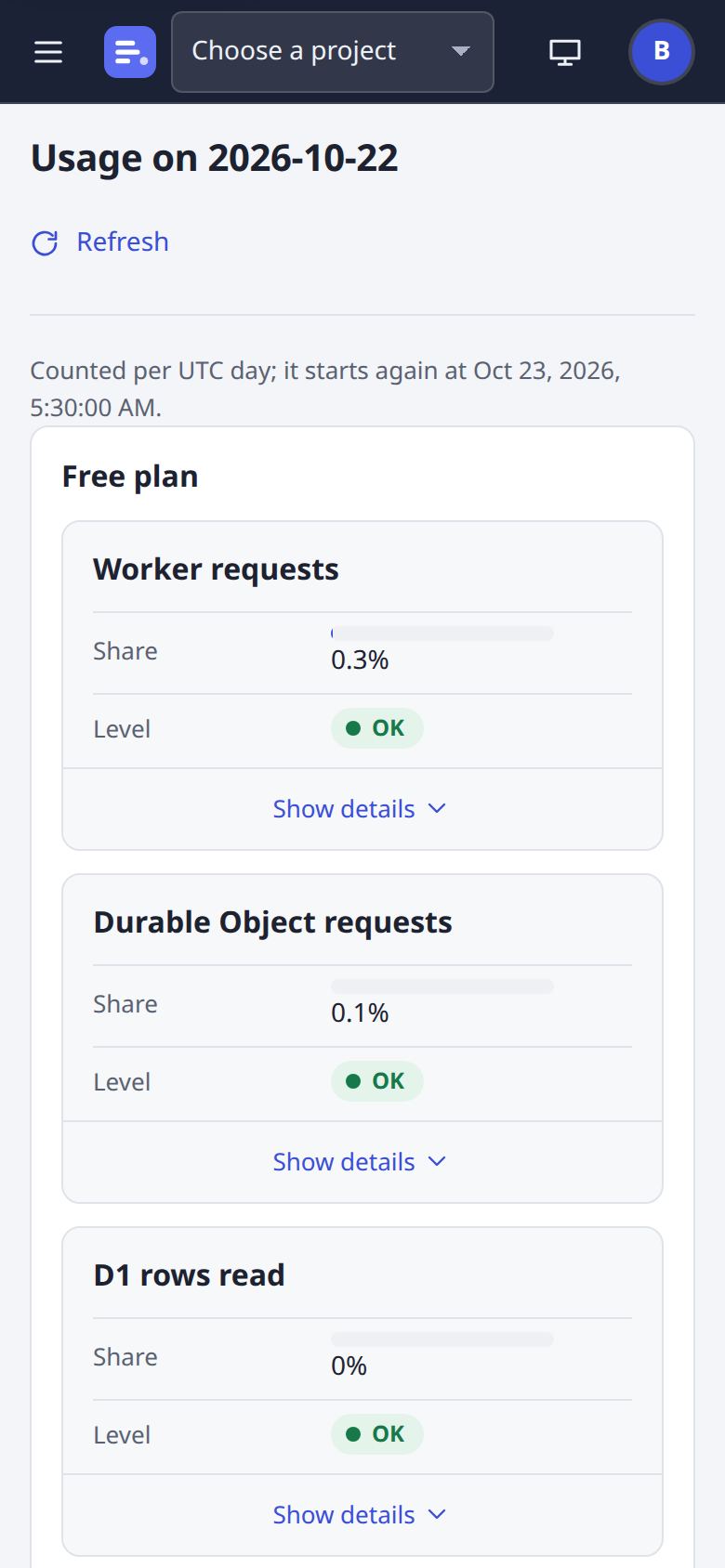
Today's free-plan lines, each project's count against its daily cap (admins set it), the console-wide hold when there is one, and the backups (admins).
Cloud Tasks
Queues
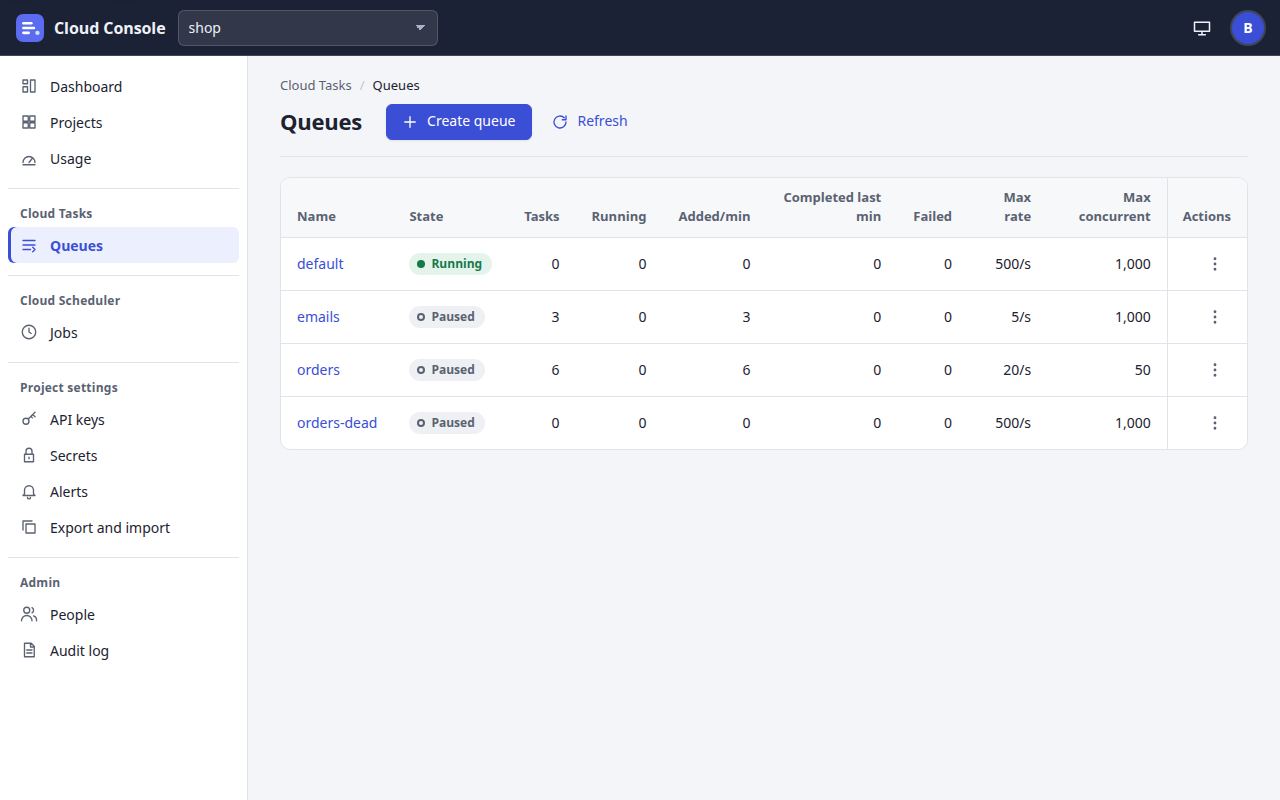
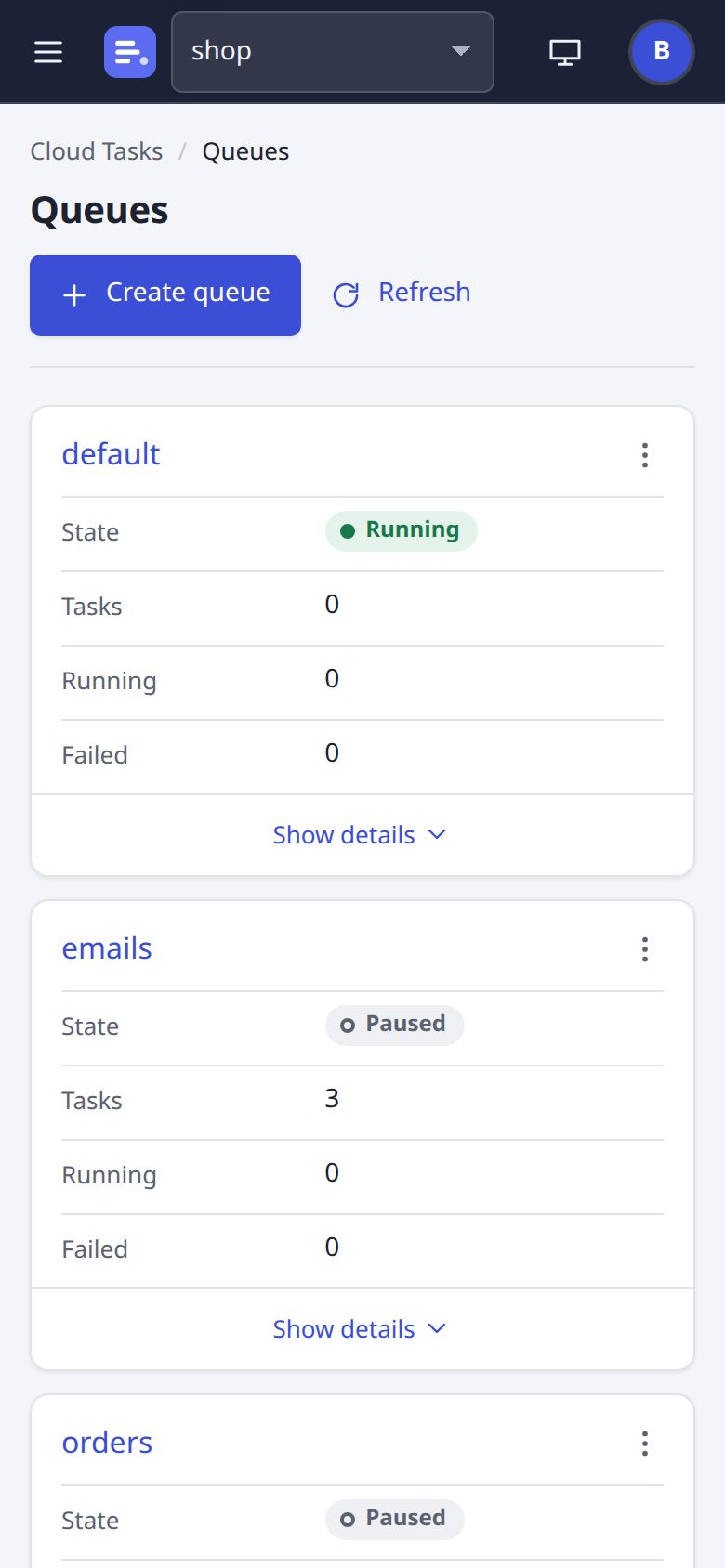
Every queue of the project, 25 a page: tasks, added and completed per minute, failed, running, max rate and concurrency, and state, with pause, resume, purge and delete per row.
A queue: Tasks
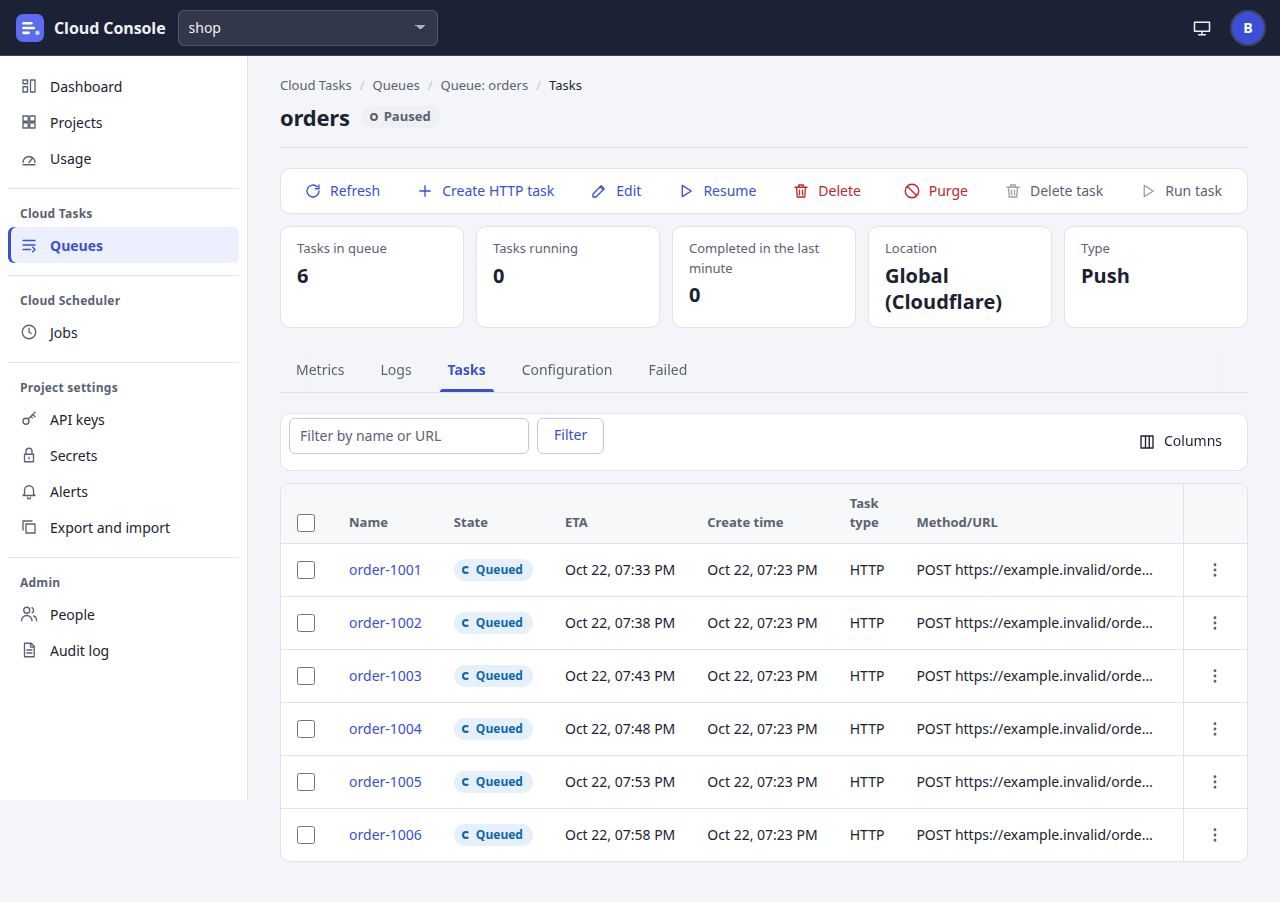
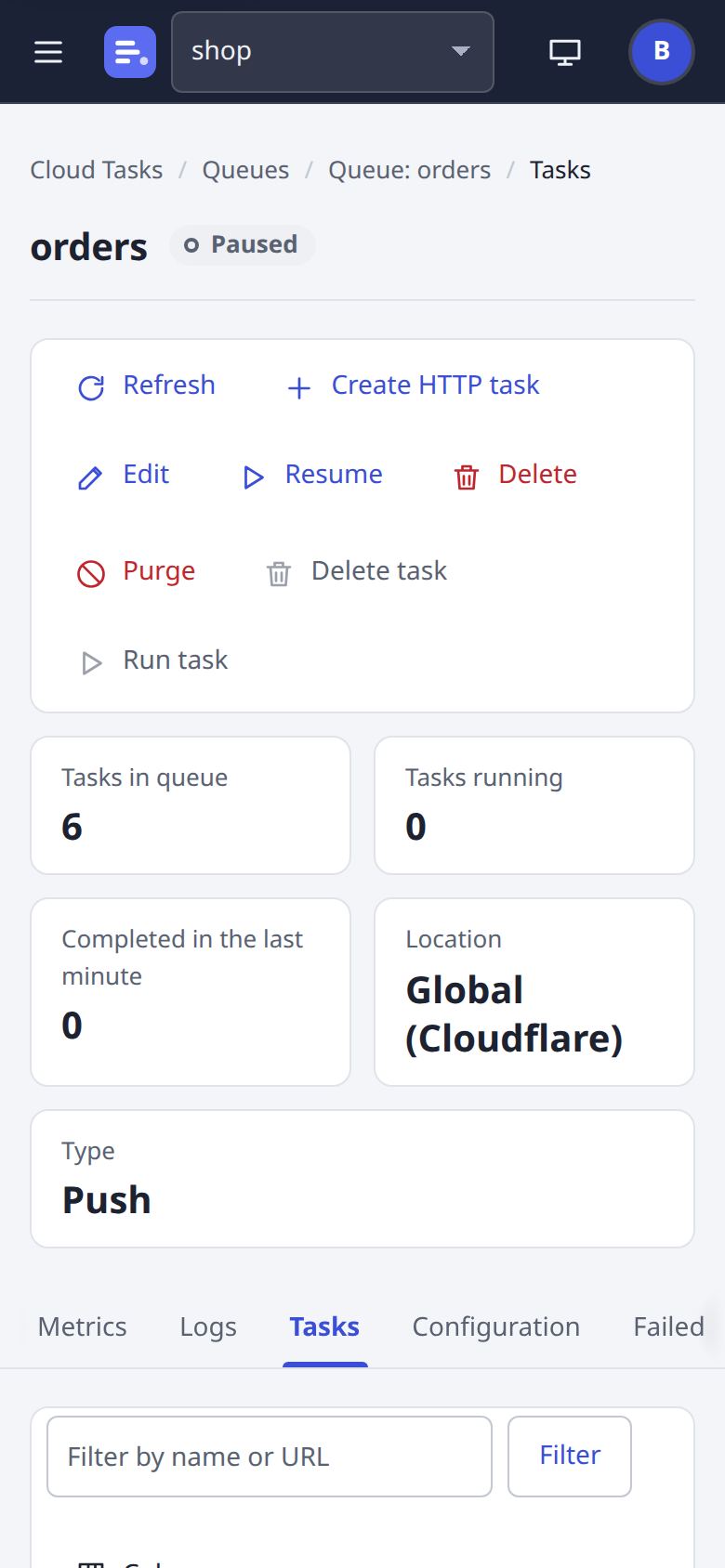
One queue as Cloud Tasks shows it: the summary strip, the toolbar, and the Tasks tab with a filter, sorting, a column chooser and boxes to delete or run the ticked tasks in one go.
A queue: Configuration
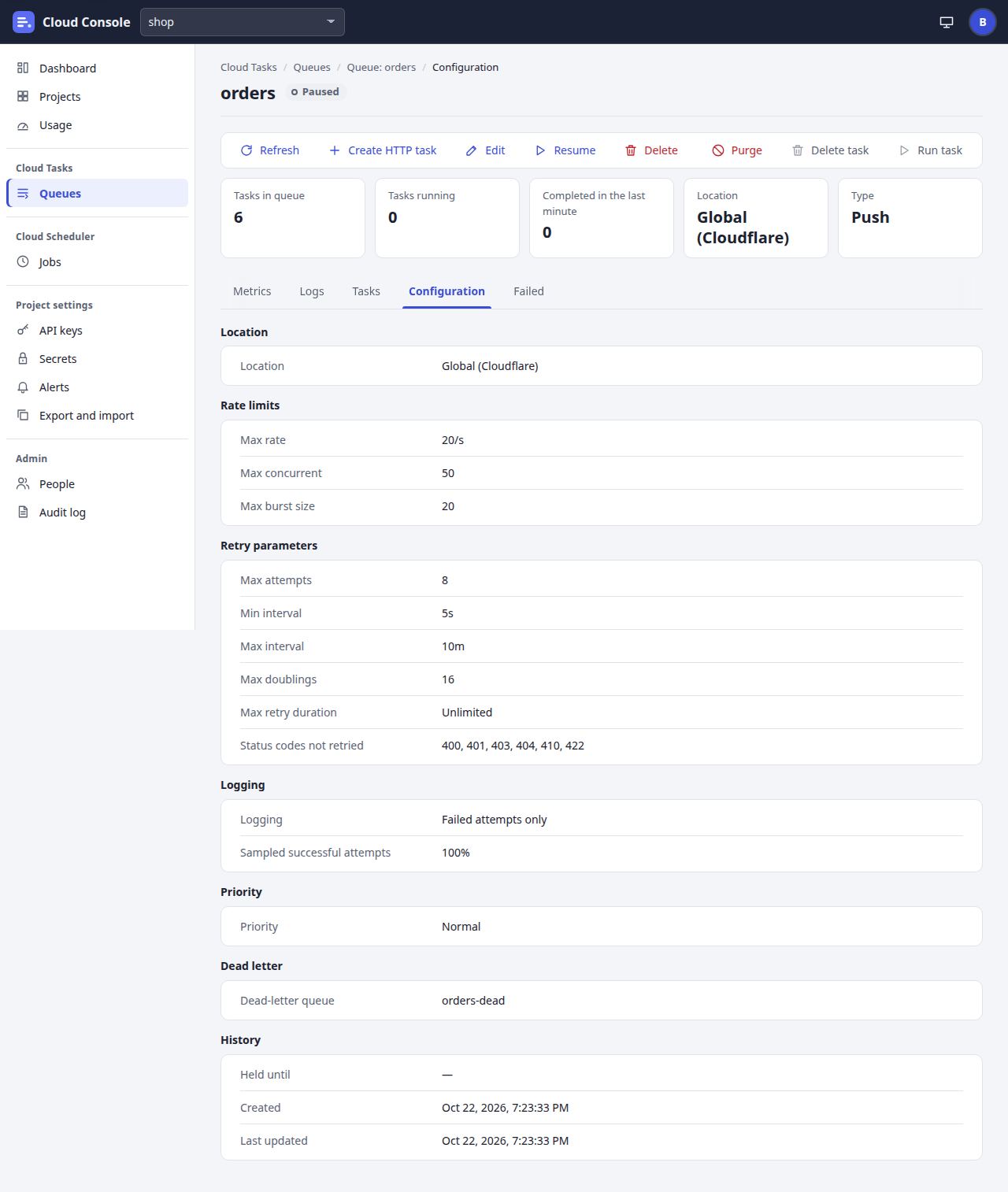
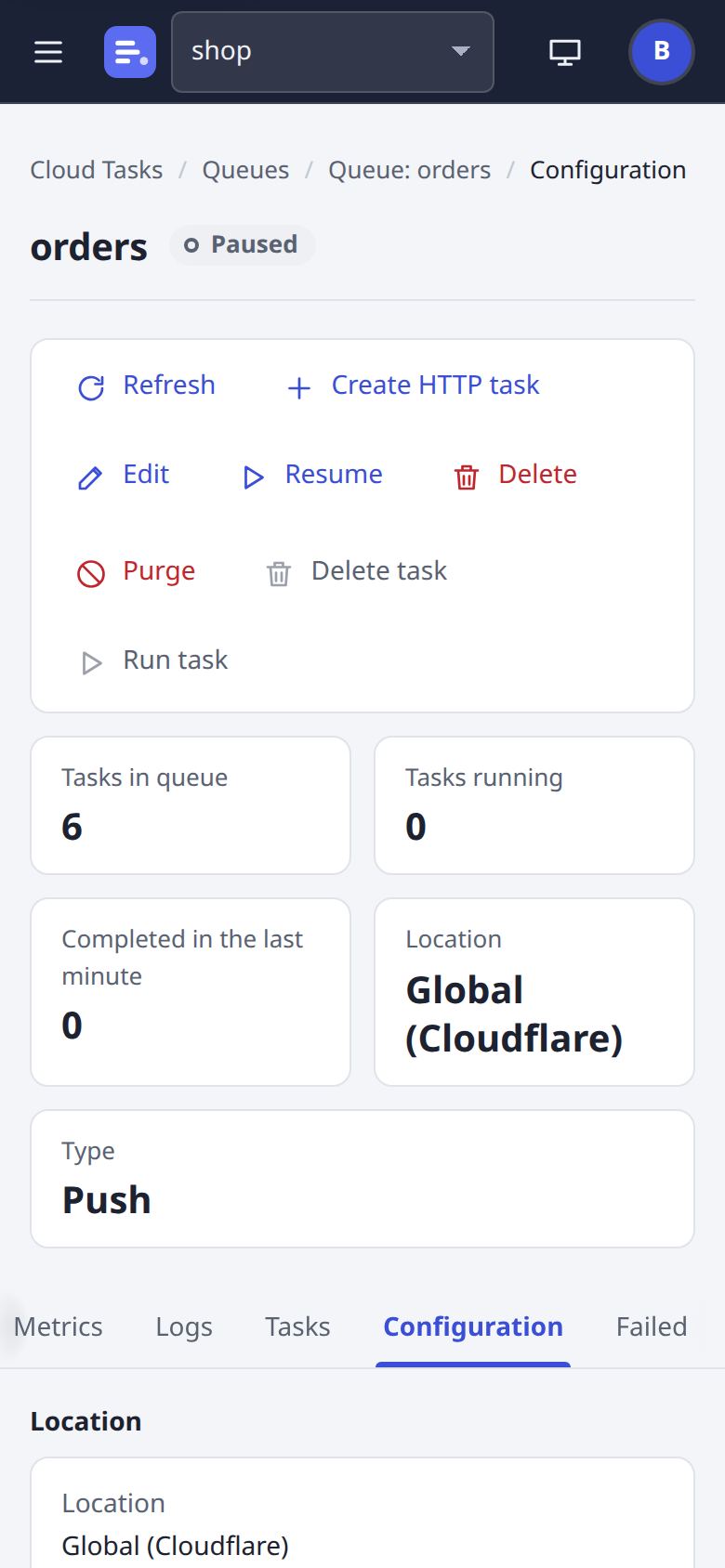
Rate limits, retry parameters, logging and priority, grouped as Google groups them.
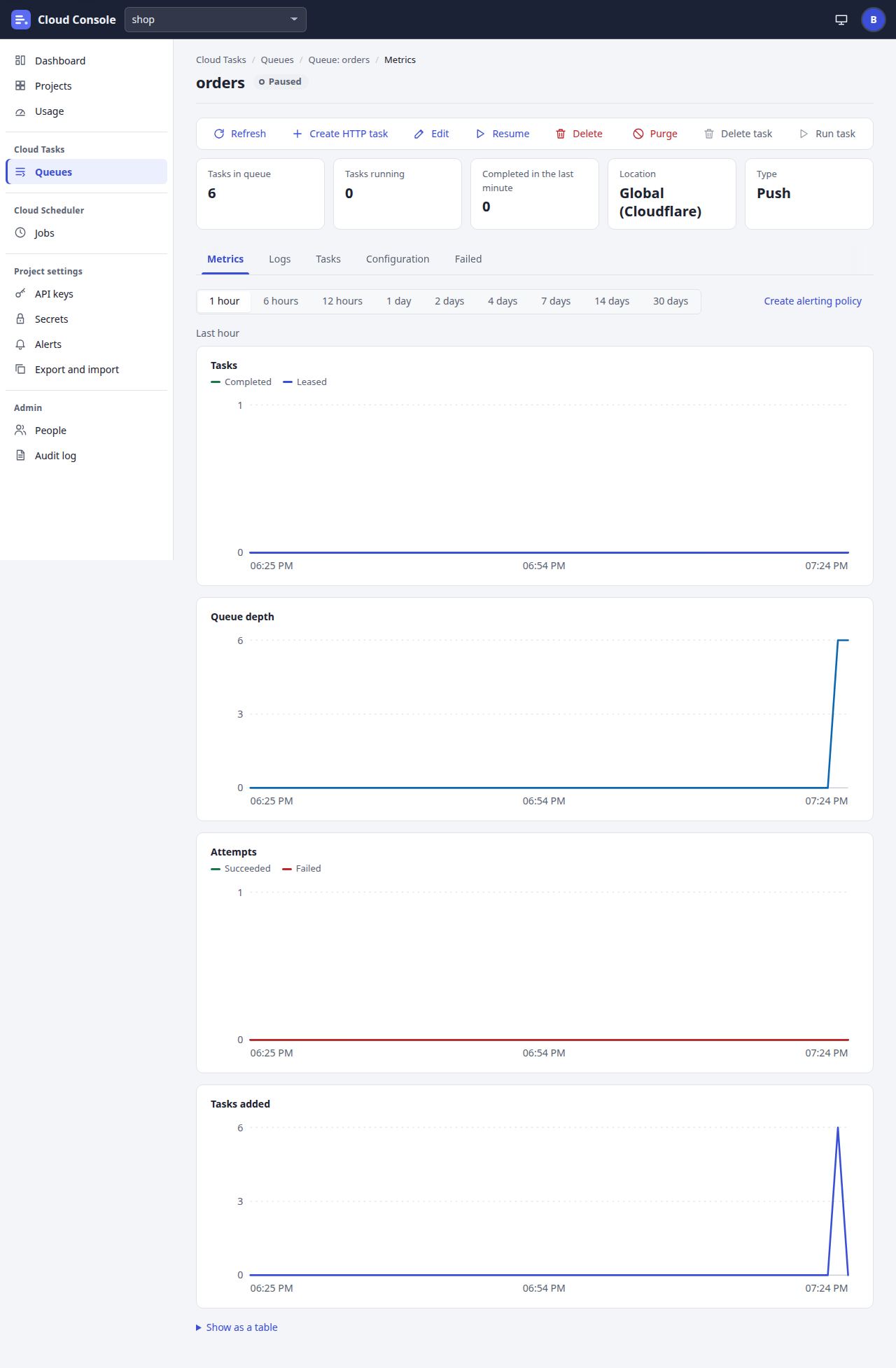
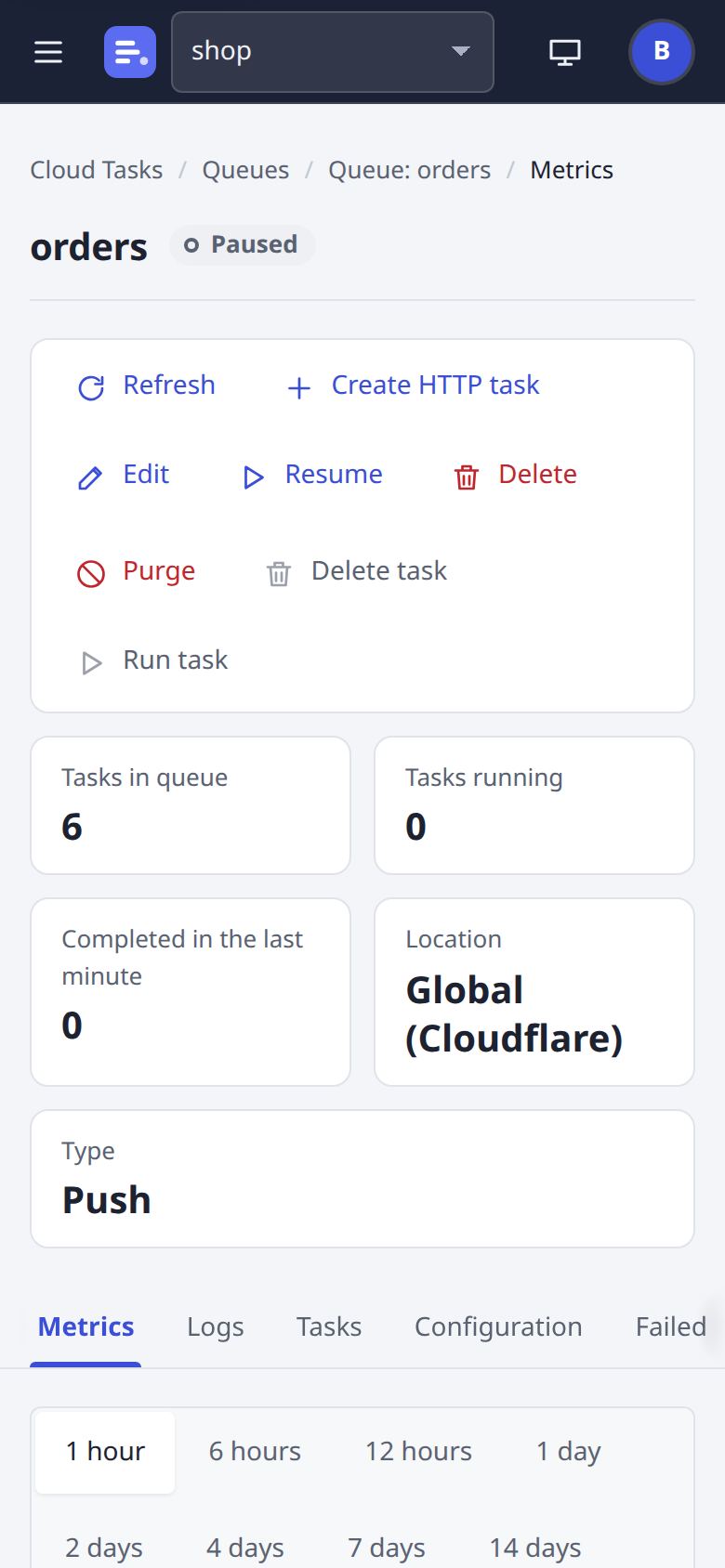
A queue: Metrics
Tasks completed and leased, the queue's depth, attempts and tasks added, from the last hour to the last 30 days.
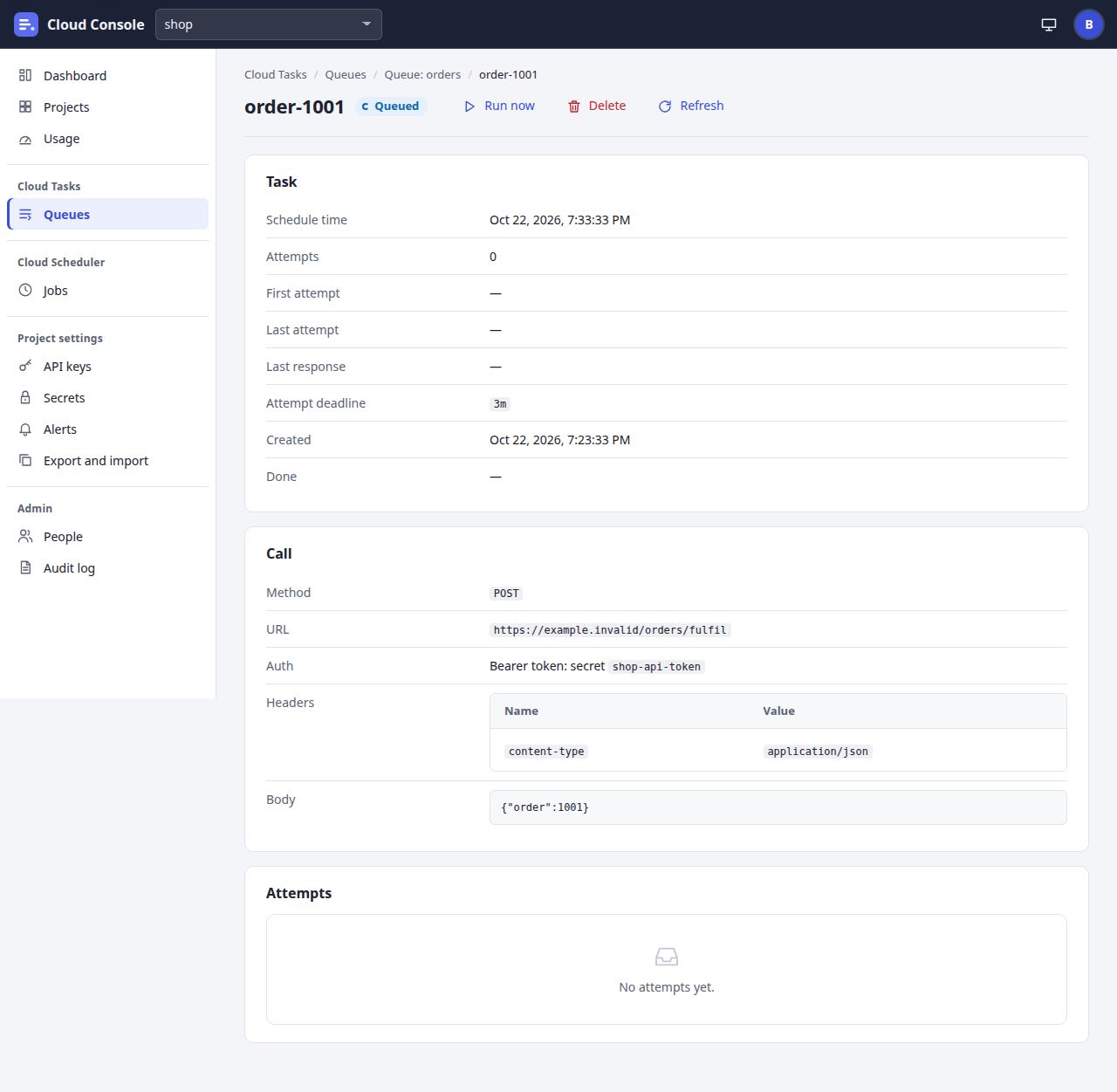
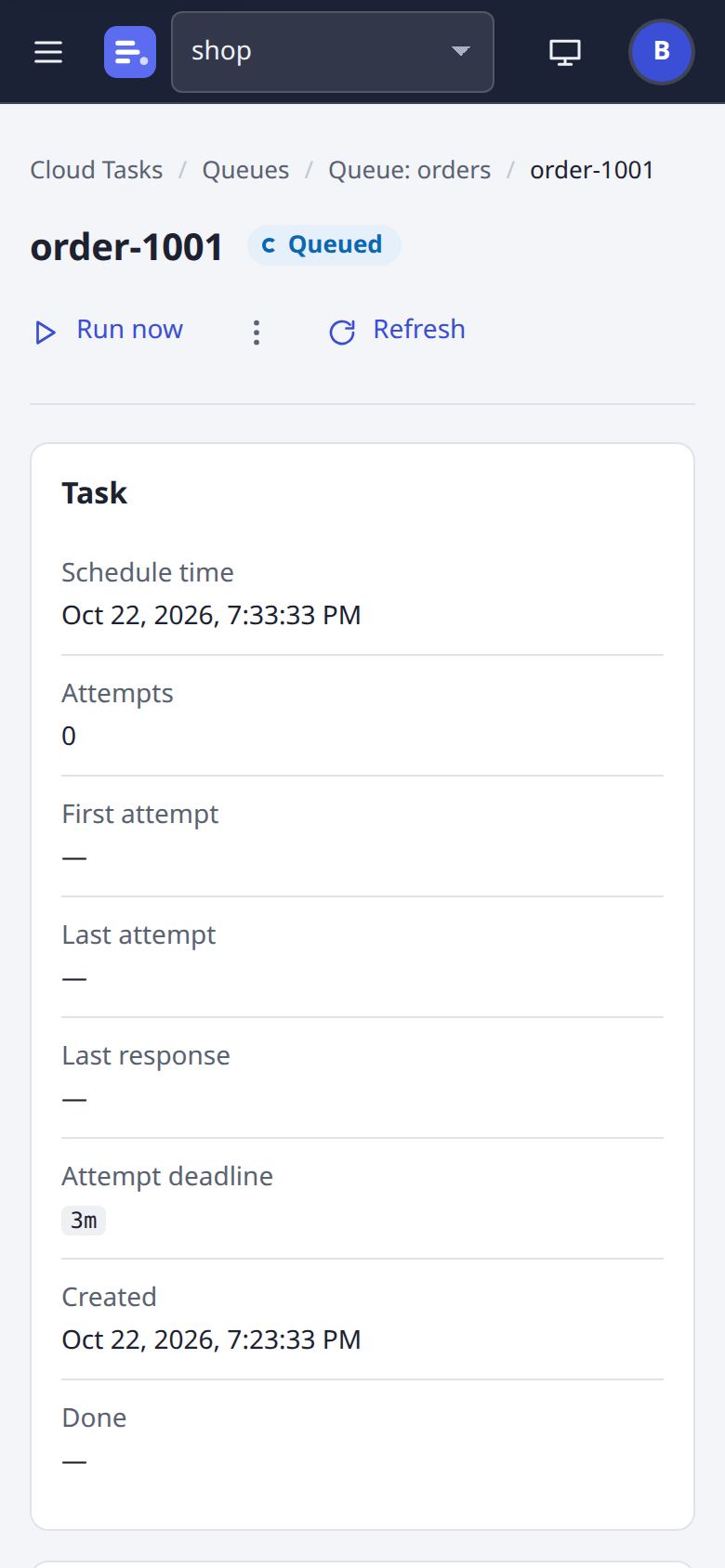
A task
One task: its state, schedule time, the call (method, URL, headers and body while it waits), its auth option, and each attempt in the inspector.
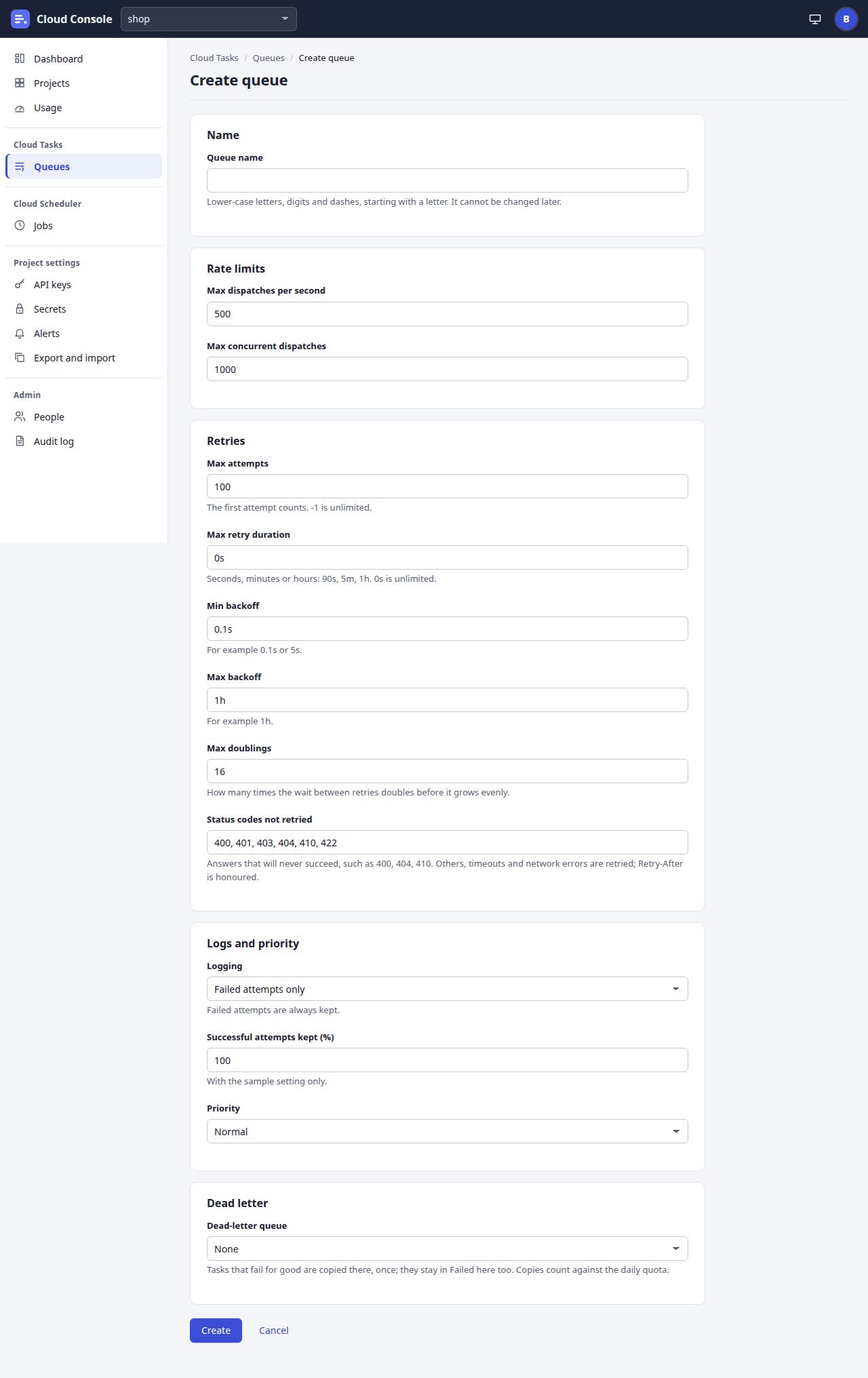
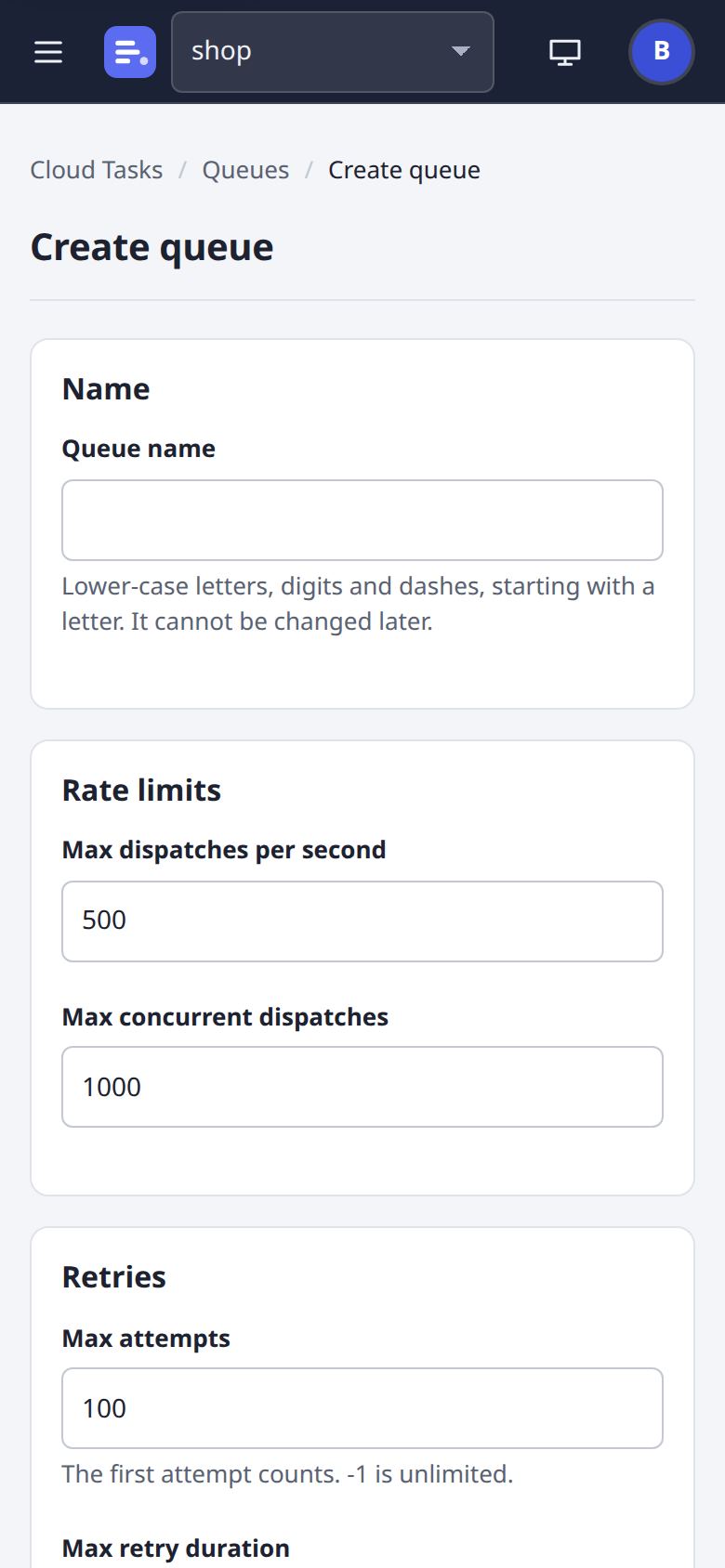
Create a queue
Name, rate, concurrency, retries, the status codes never retried, logging, priority and a dead-letter queue, with the API's message beside any field it refuses.
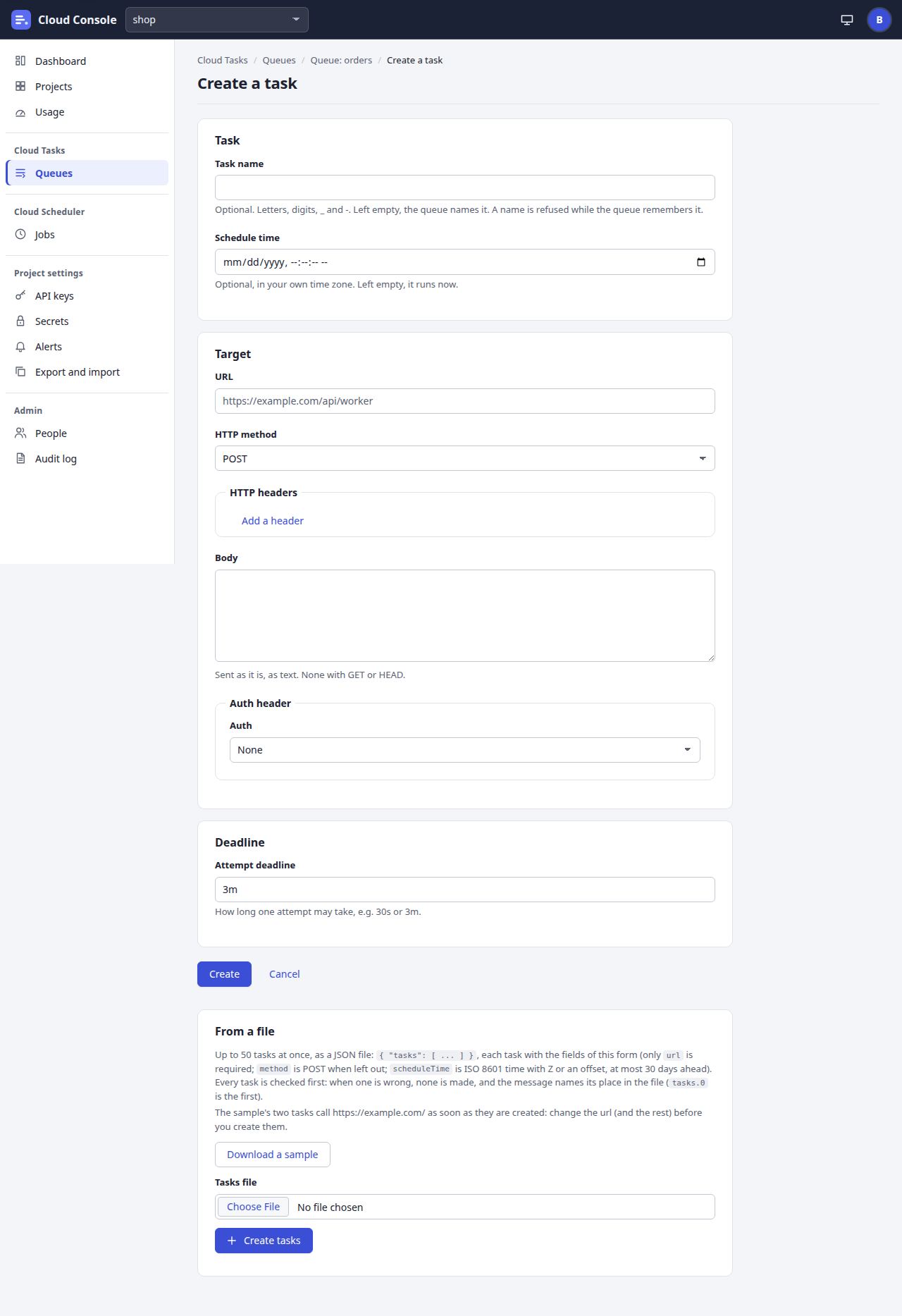
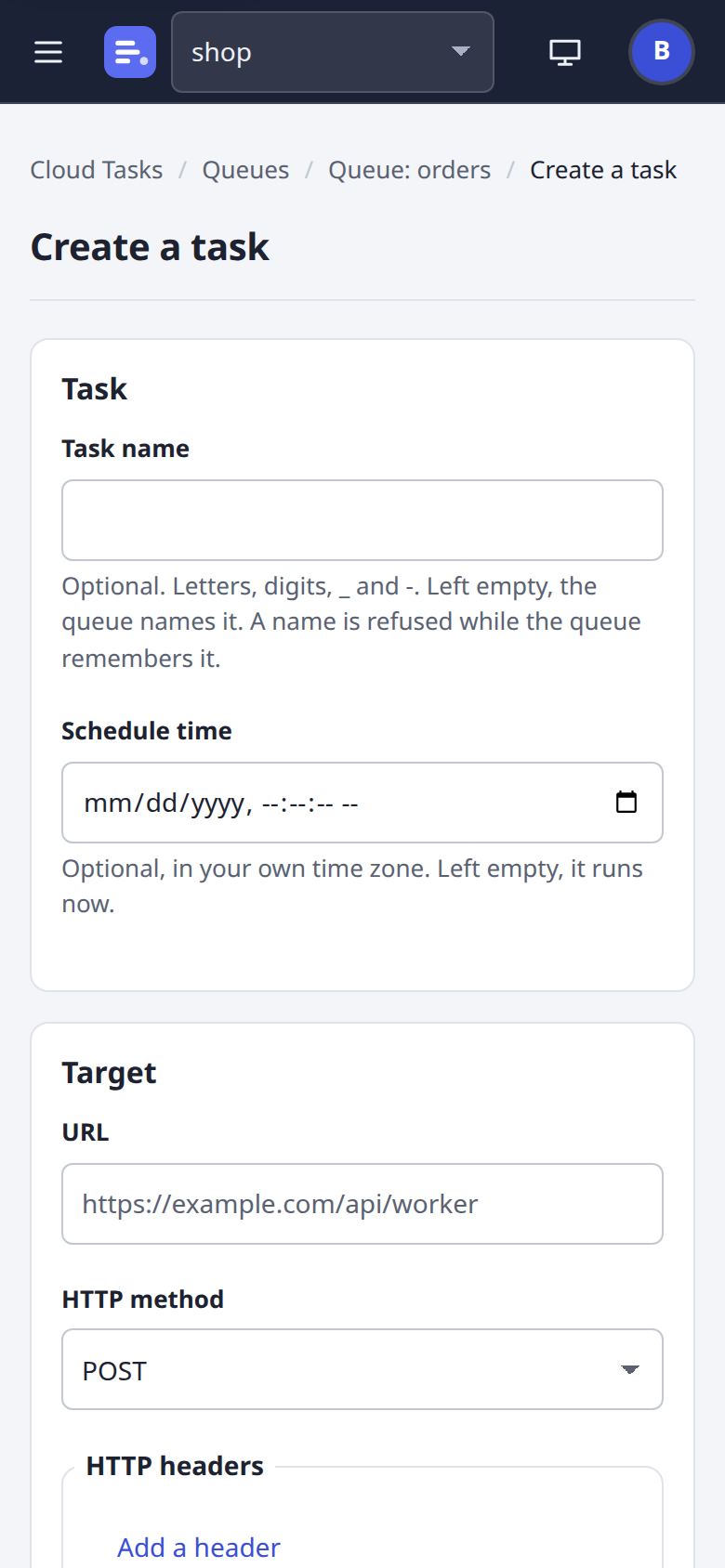
Create a task
Name, schedule time, the call with its auth option, and the attempt deadline. New: From a file, up to 50 tasks from one JSON file, with a sample to download.
Cloud Scheduler
Jobs
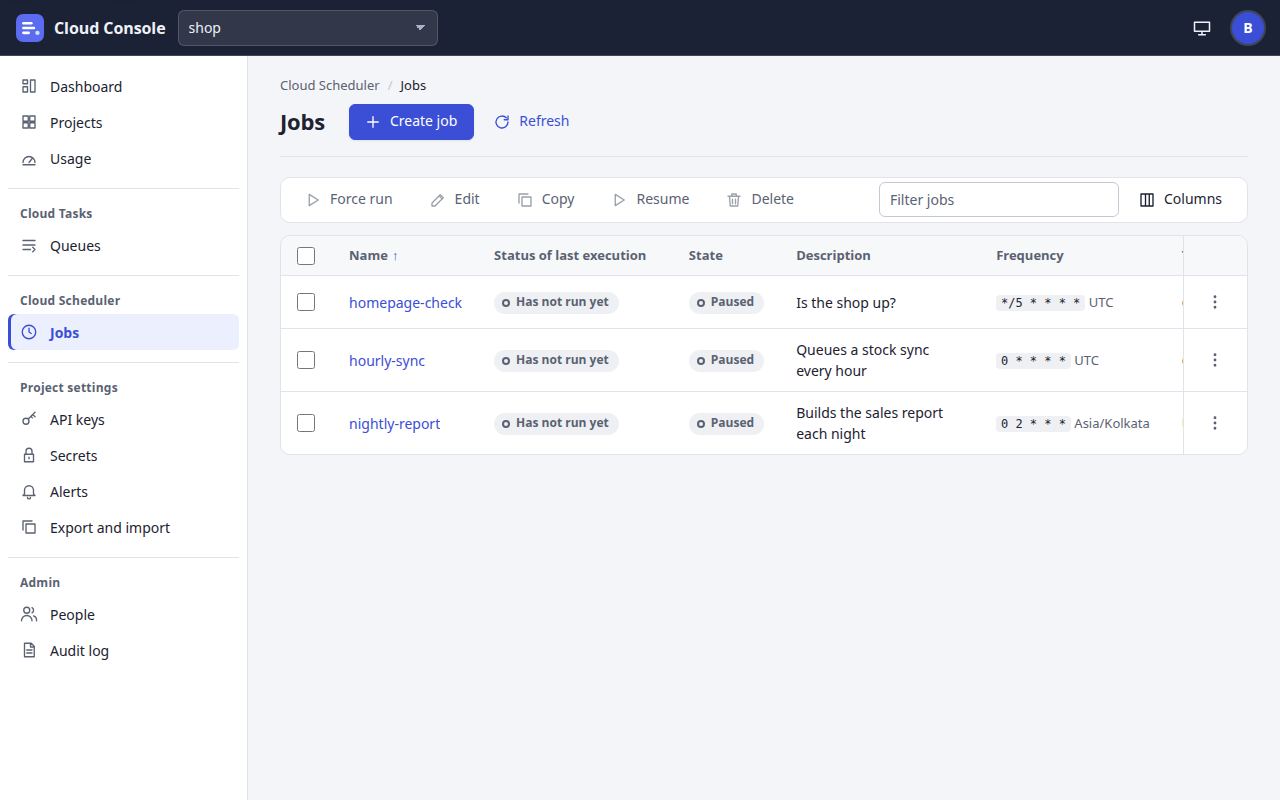
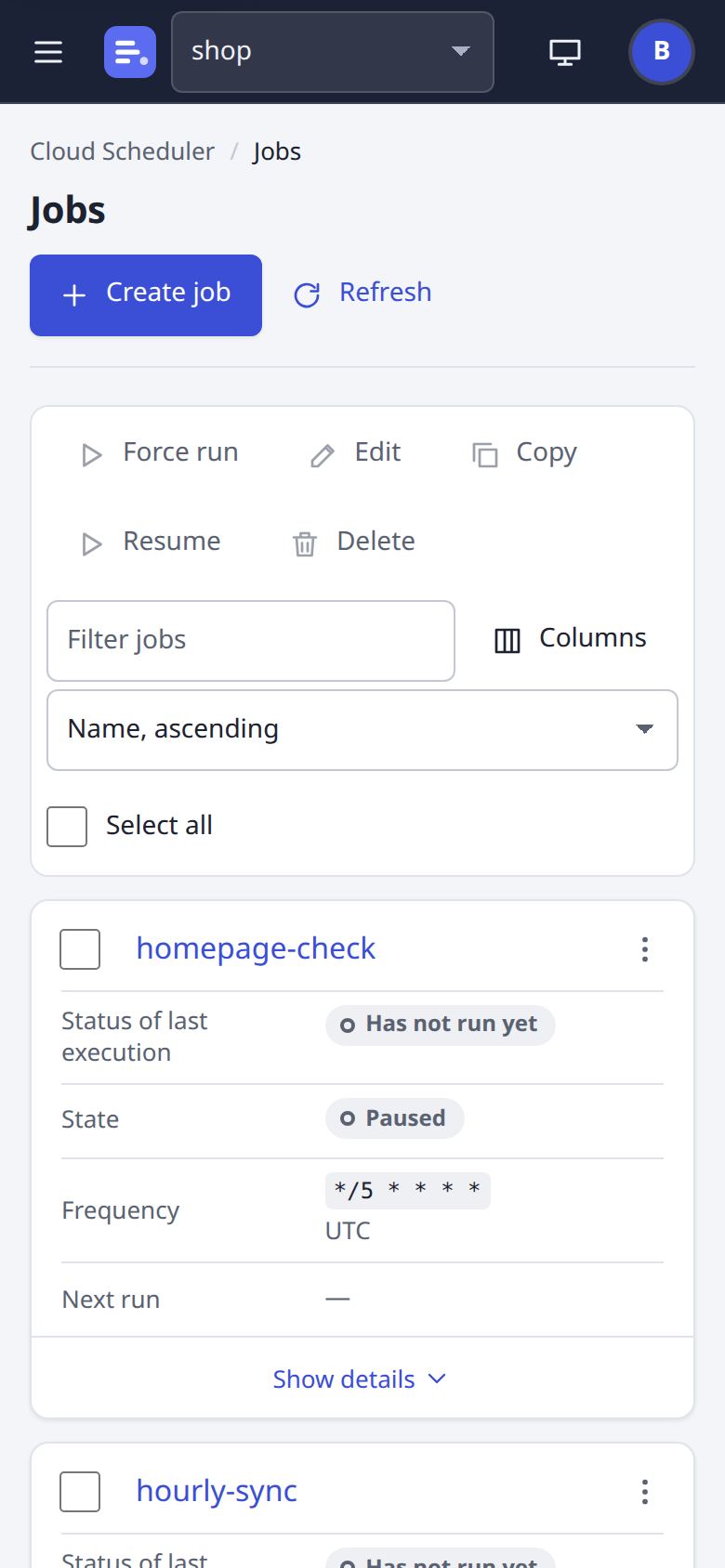
The project's jobs as Cloud Scheduler lists them: the last run's status, state, frequency and time zone, target, last and next run, with a filter, sorting, columns and actions for the ticked jobs.
A job: Configuration
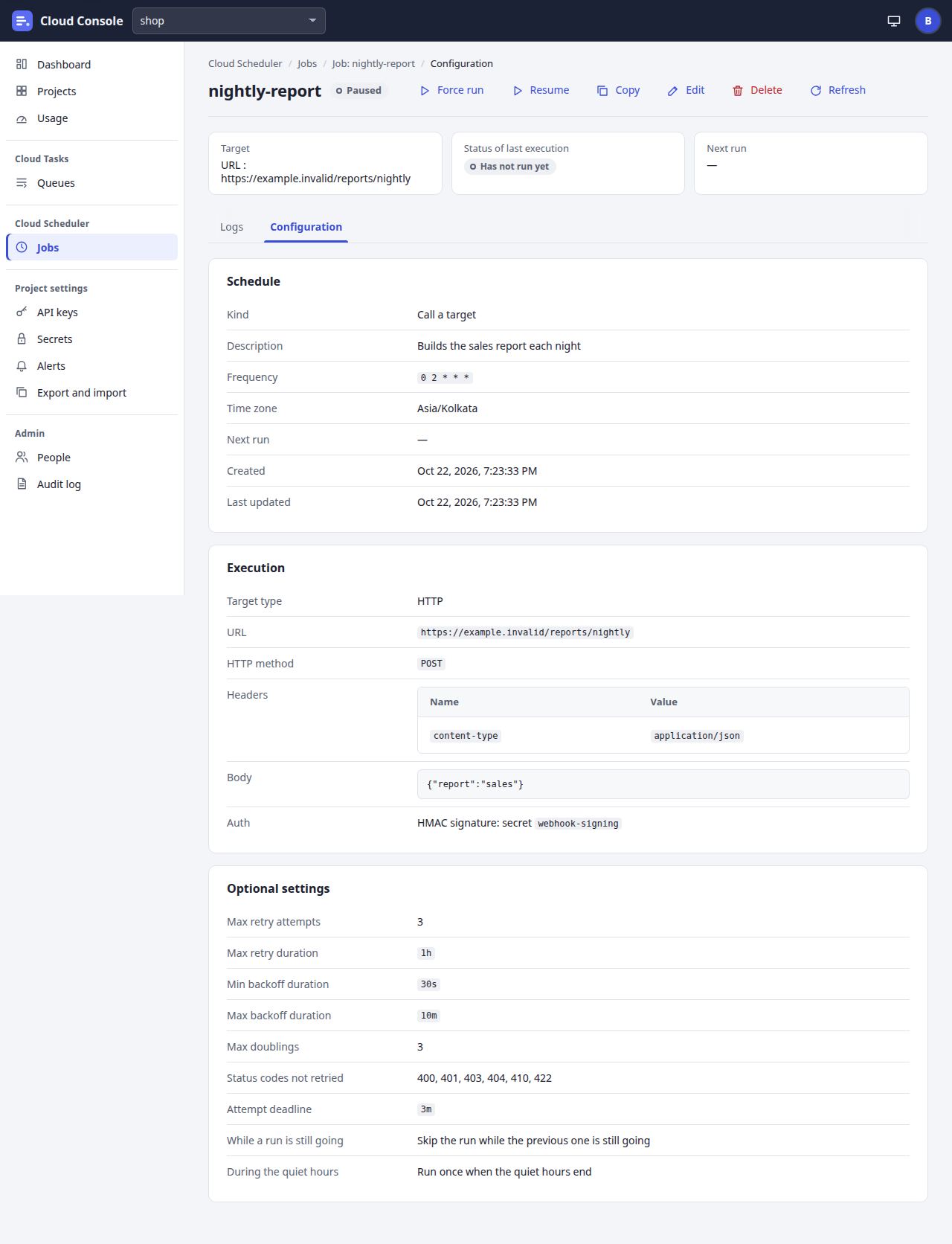
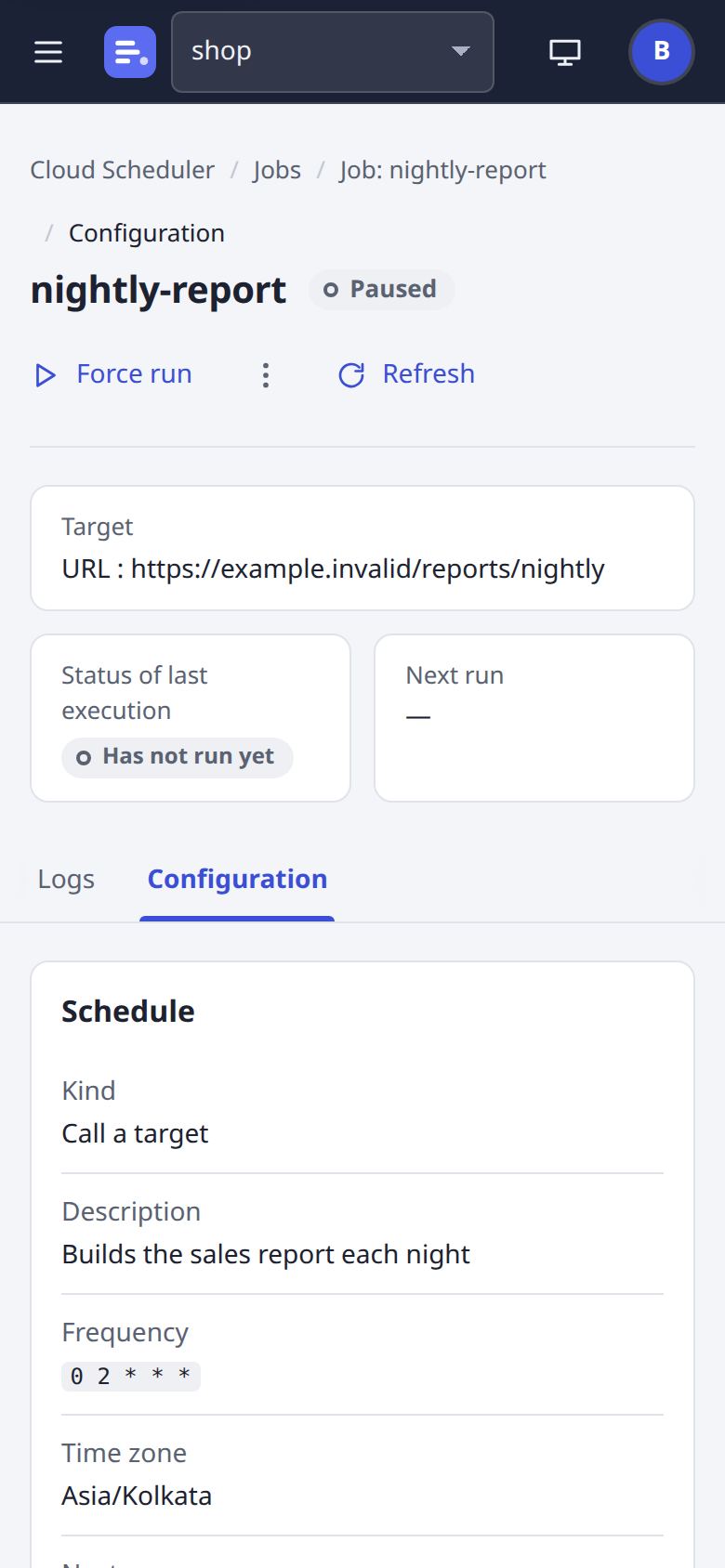
A job's page has Logs (each run and its attempts) and Configuration. This one calls a URL every night, signed with an HMAC secret.
An uptime check
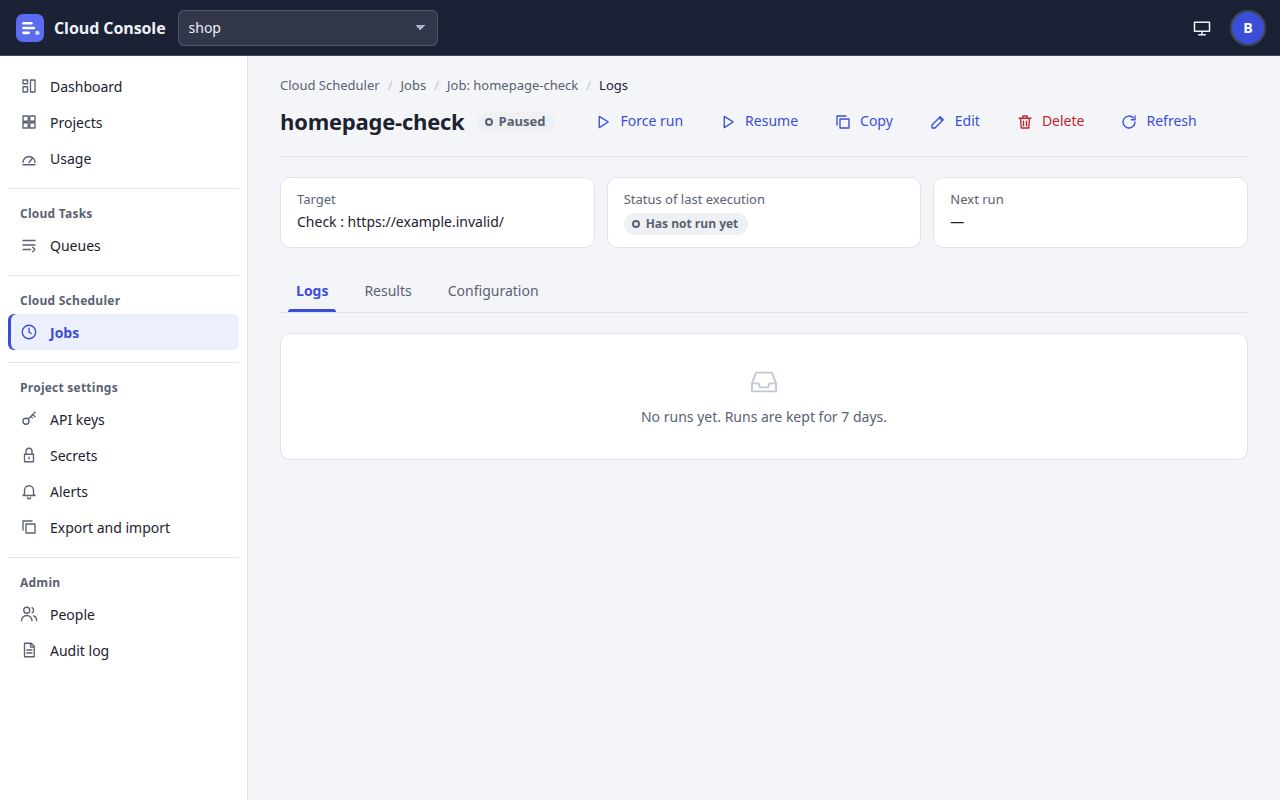
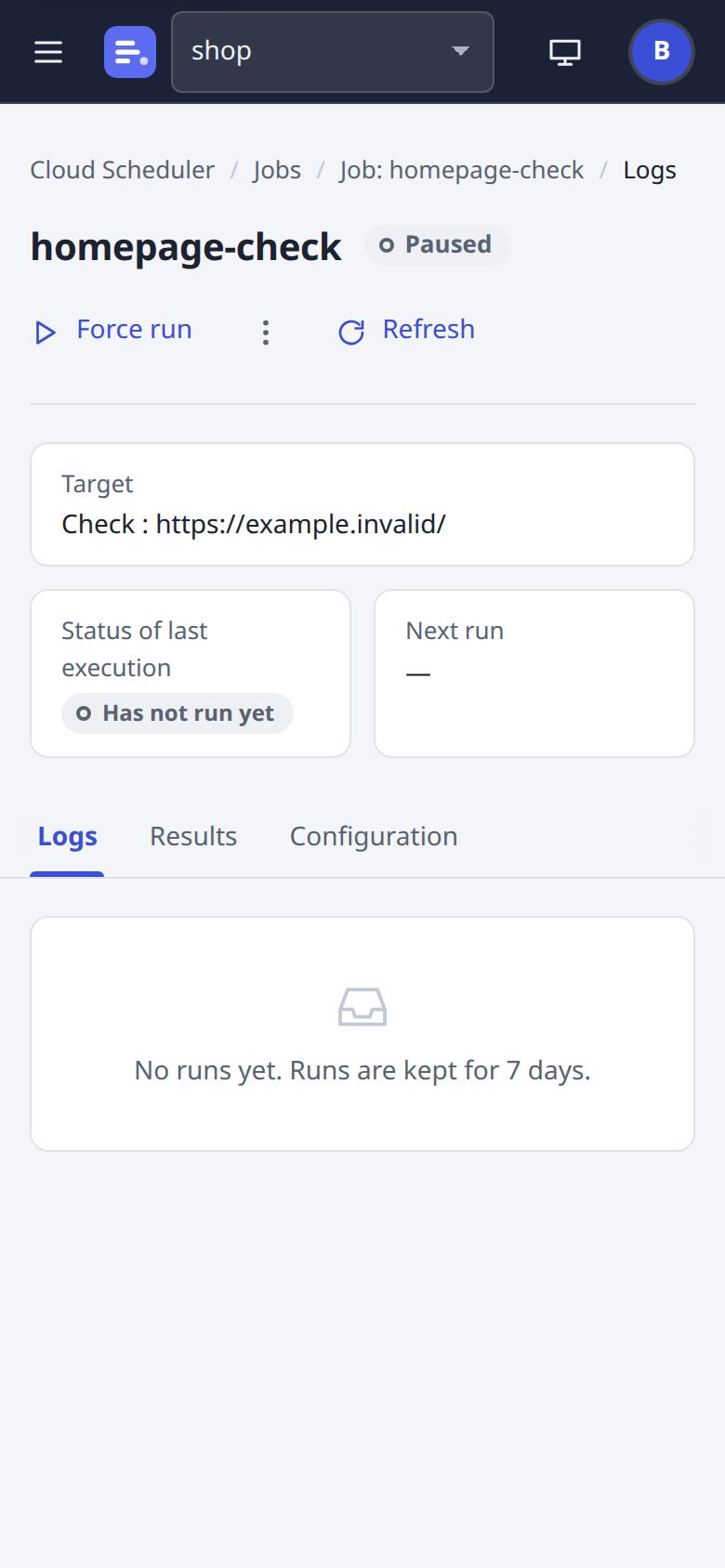
A job of kind check: it calls a URL on its schedule and expects a status range, a latency and, here, a text in the answer; it keeps its results and shows uptime over 24 hours and 7 days.
Create a job
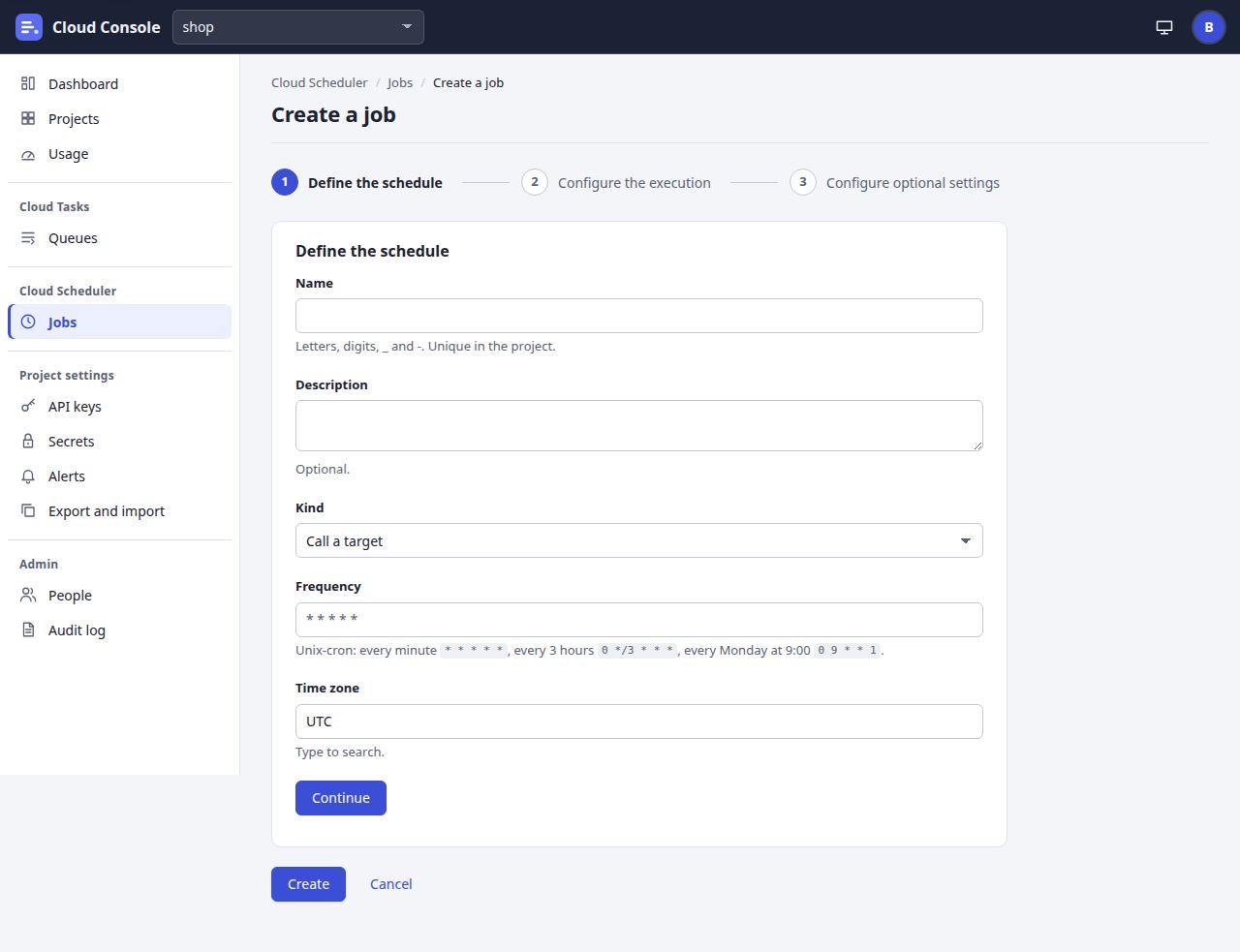
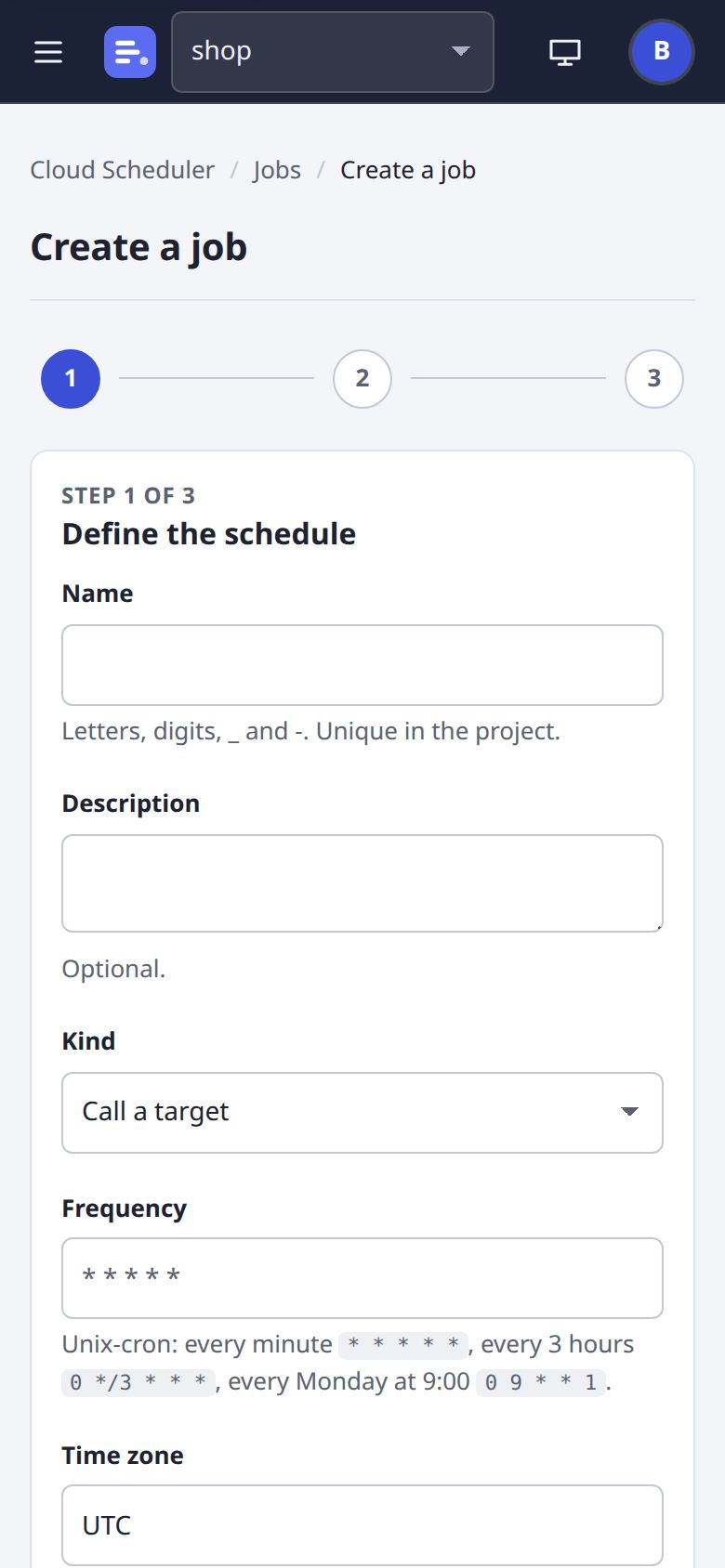
Three steps, as Cloud Scheduler's: the schedule (unix-cron, a time zone and the next five runs), the target (a URL or a queue, with its auth option), then retries, the deadline and what a run does while the last one is still going.
Project settings
API keys
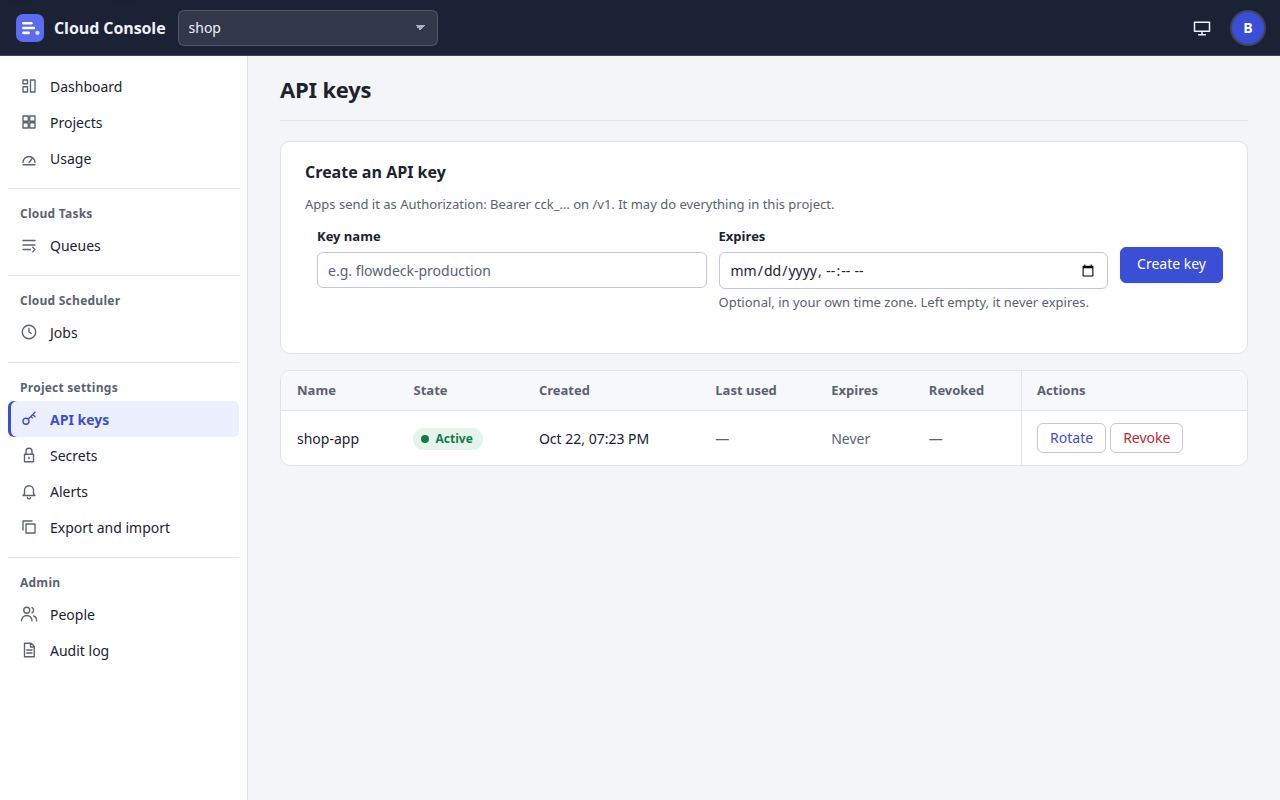
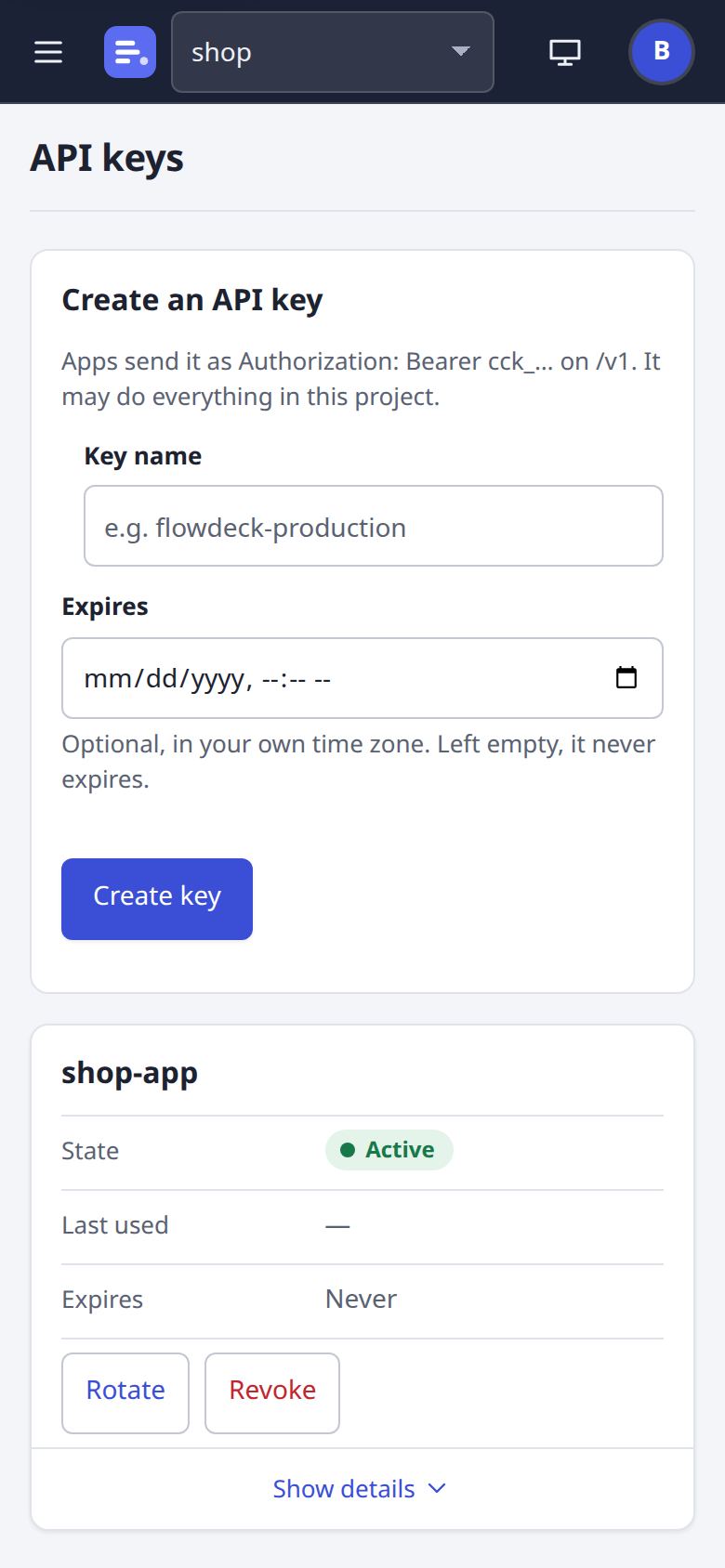
The keys an app uses for /v1: shown once when made, each with its status, last use and expiry, and Revoke and Rotate.
Secrets and service accounts
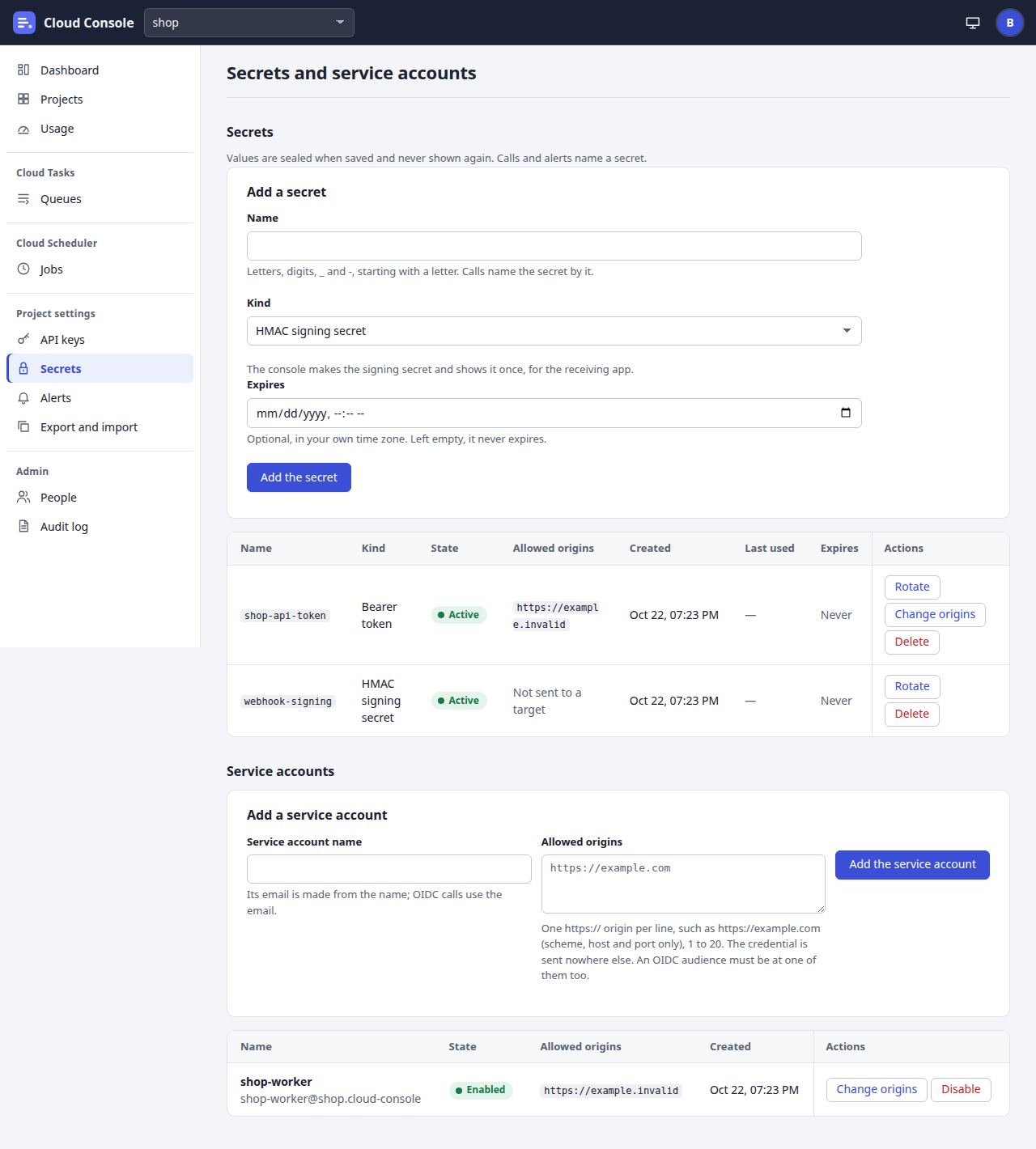
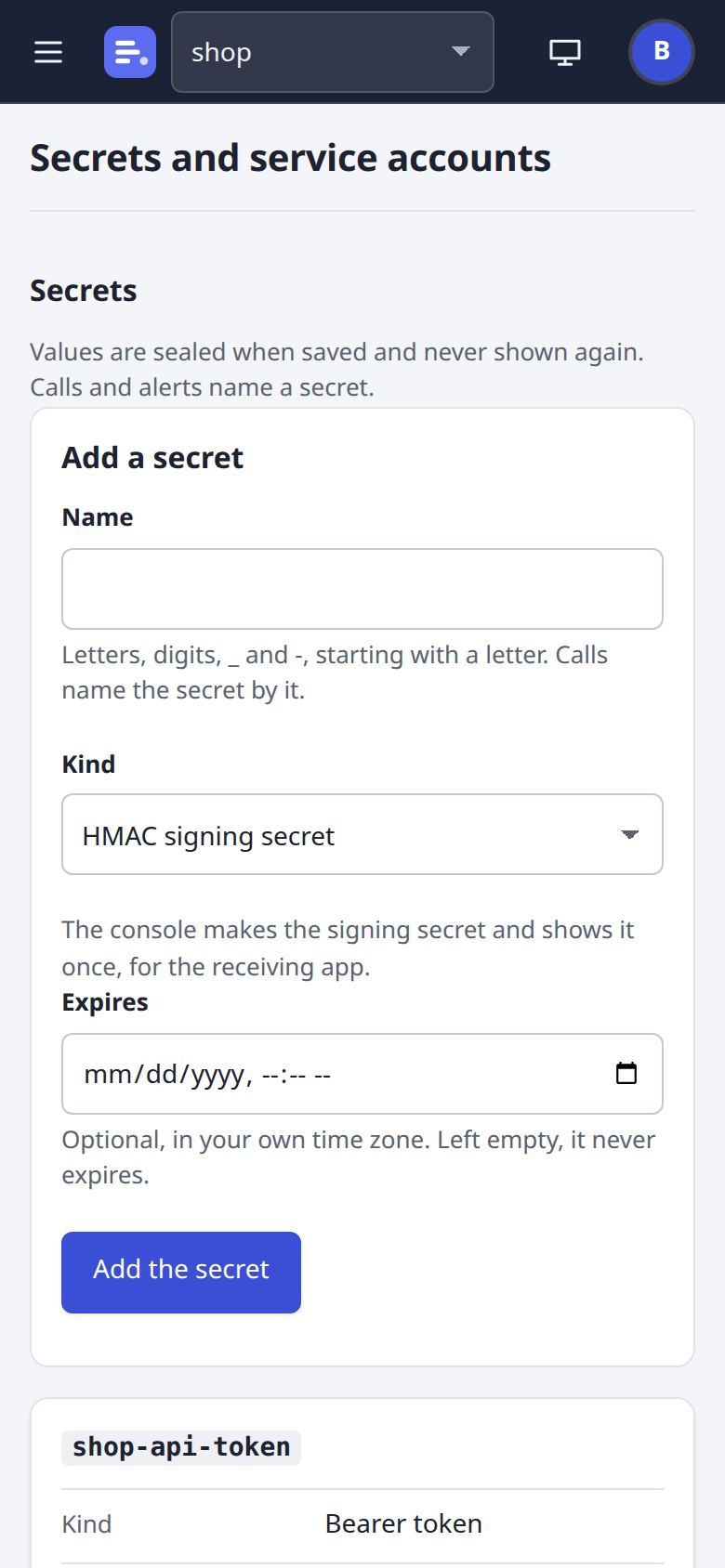
Secrets by name and kind, never their values (an HMAC secret is shown once), with the origins each may go to, expiry and Rotate; and the service accounts whose OIDC tokens tasks and jobs can carry.
Alerts
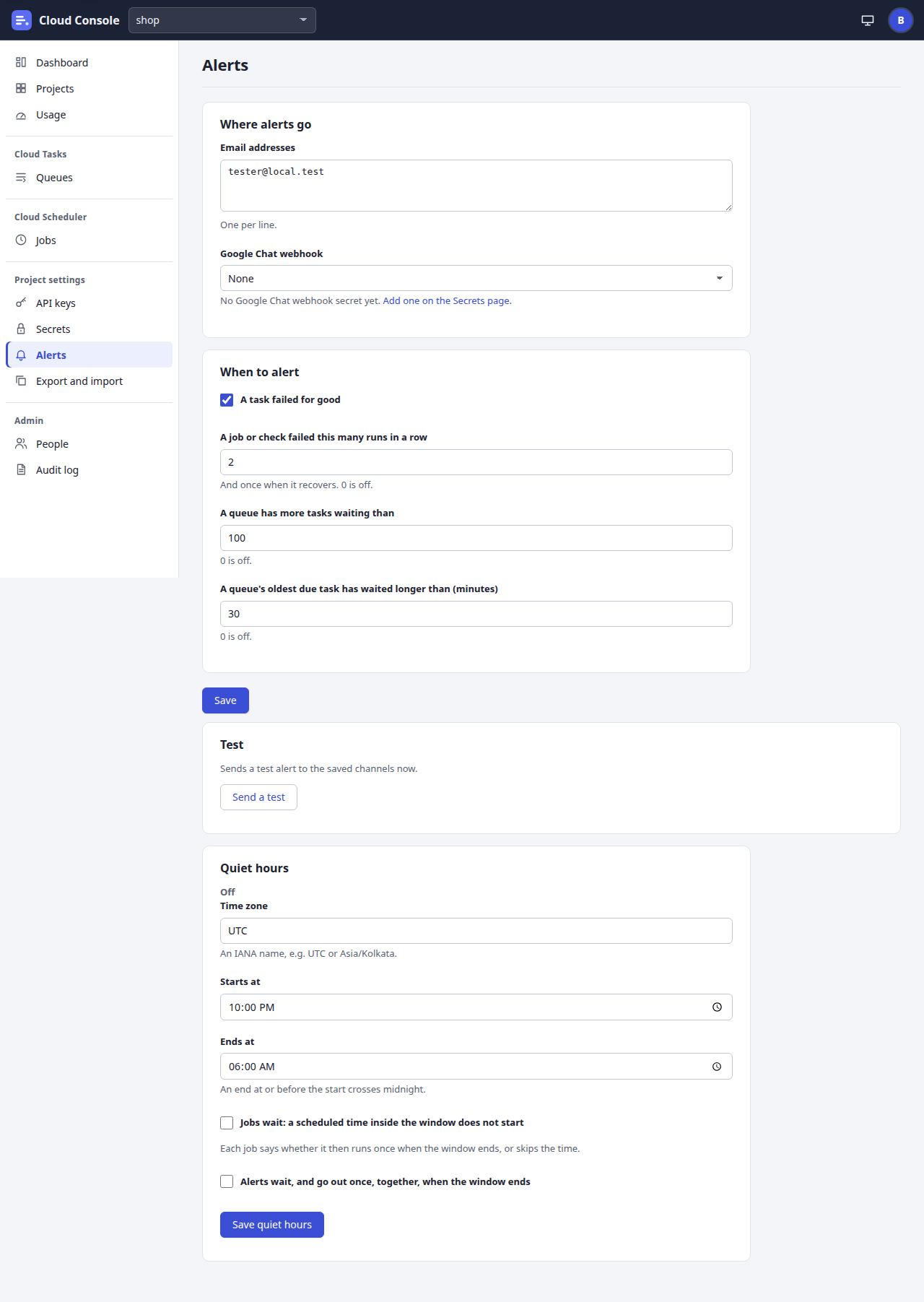
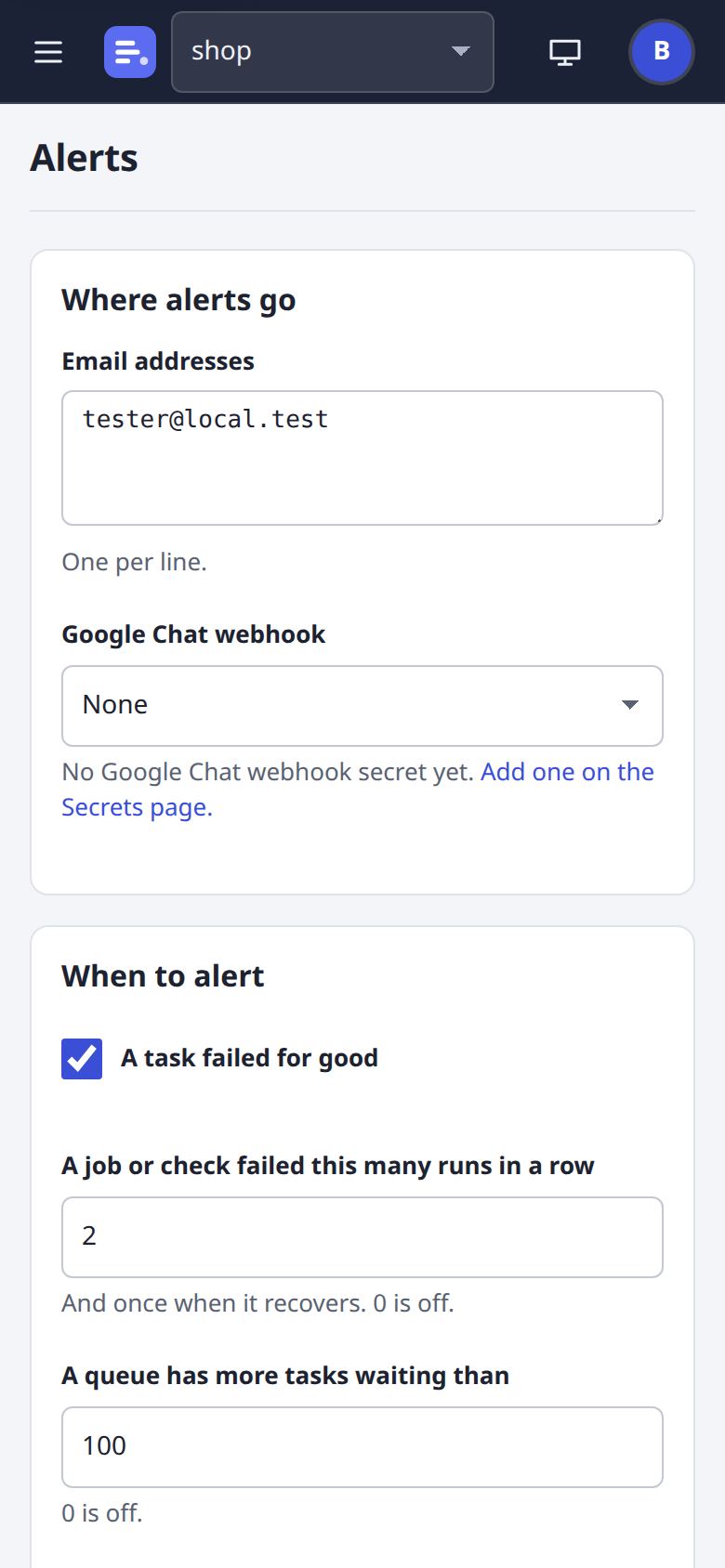
Who is told, and when: email addresses and a Google Chat webhook; a task failed for good, a job failing in a row, a backlog; a test send; and the project's quiet hours.
Export and import
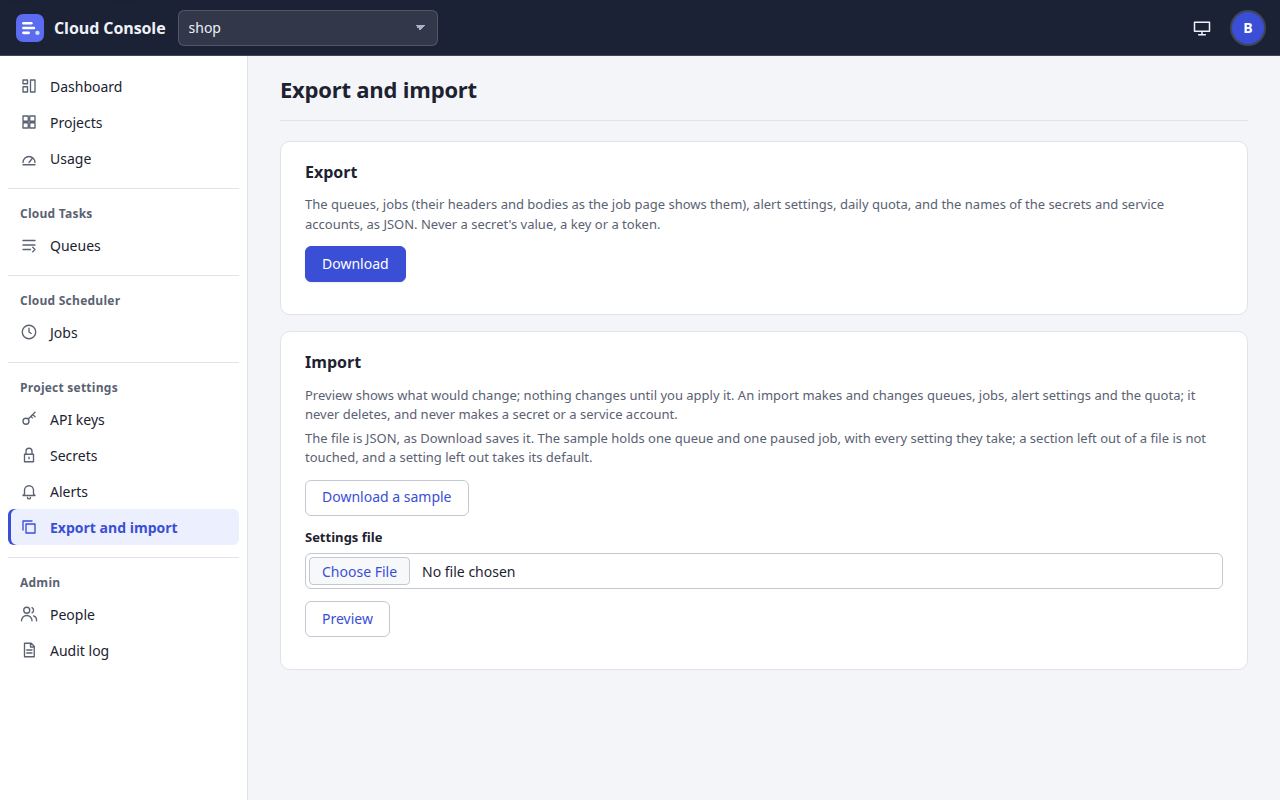
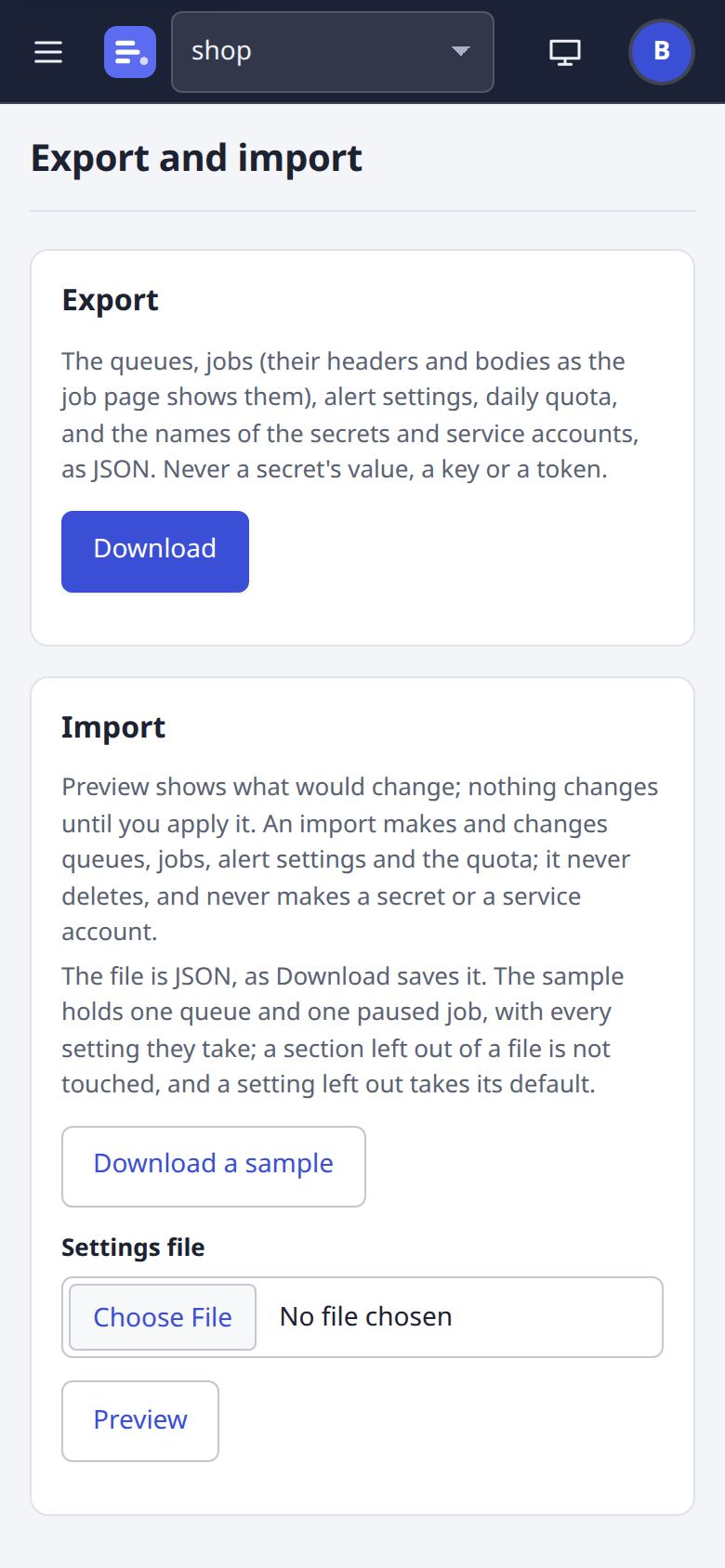
The project's settings as one JSON file: Download, then Preview what an import would change, and Apply. New: Download a sample.
Admin, and you
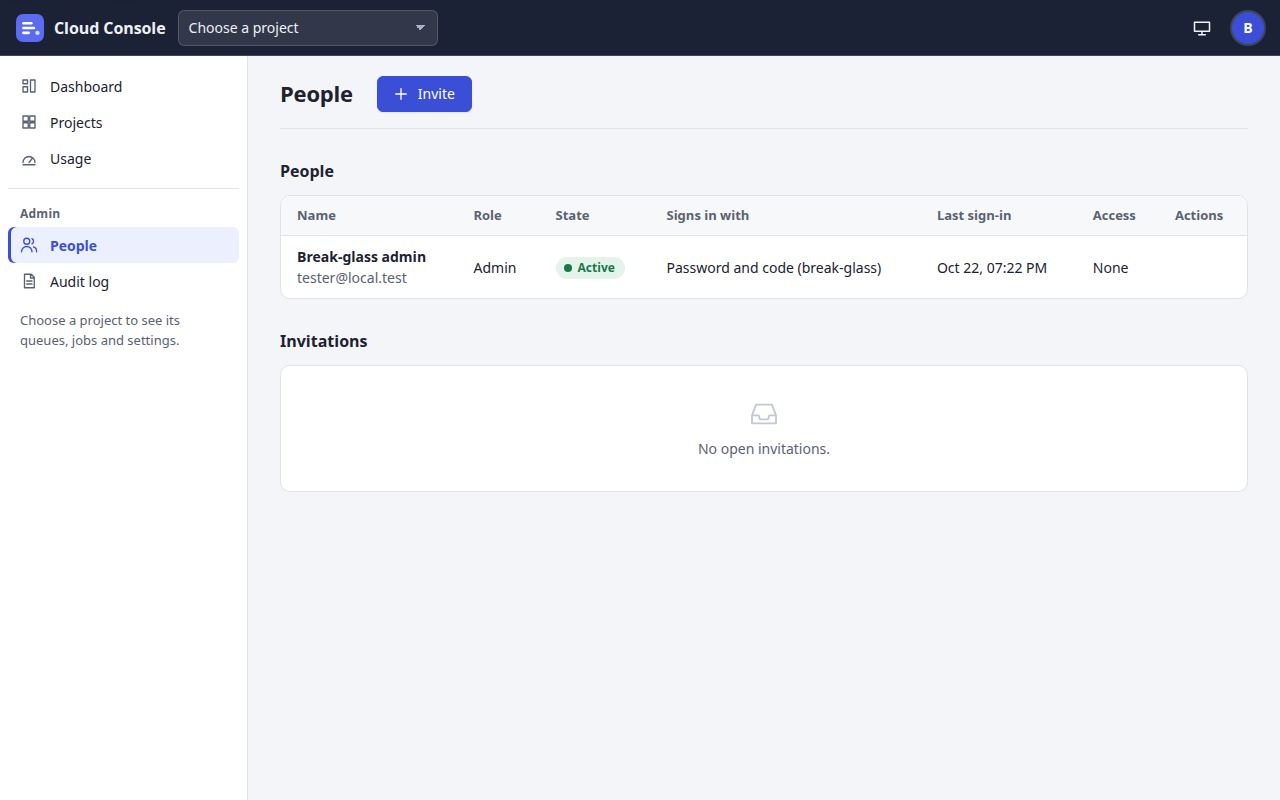
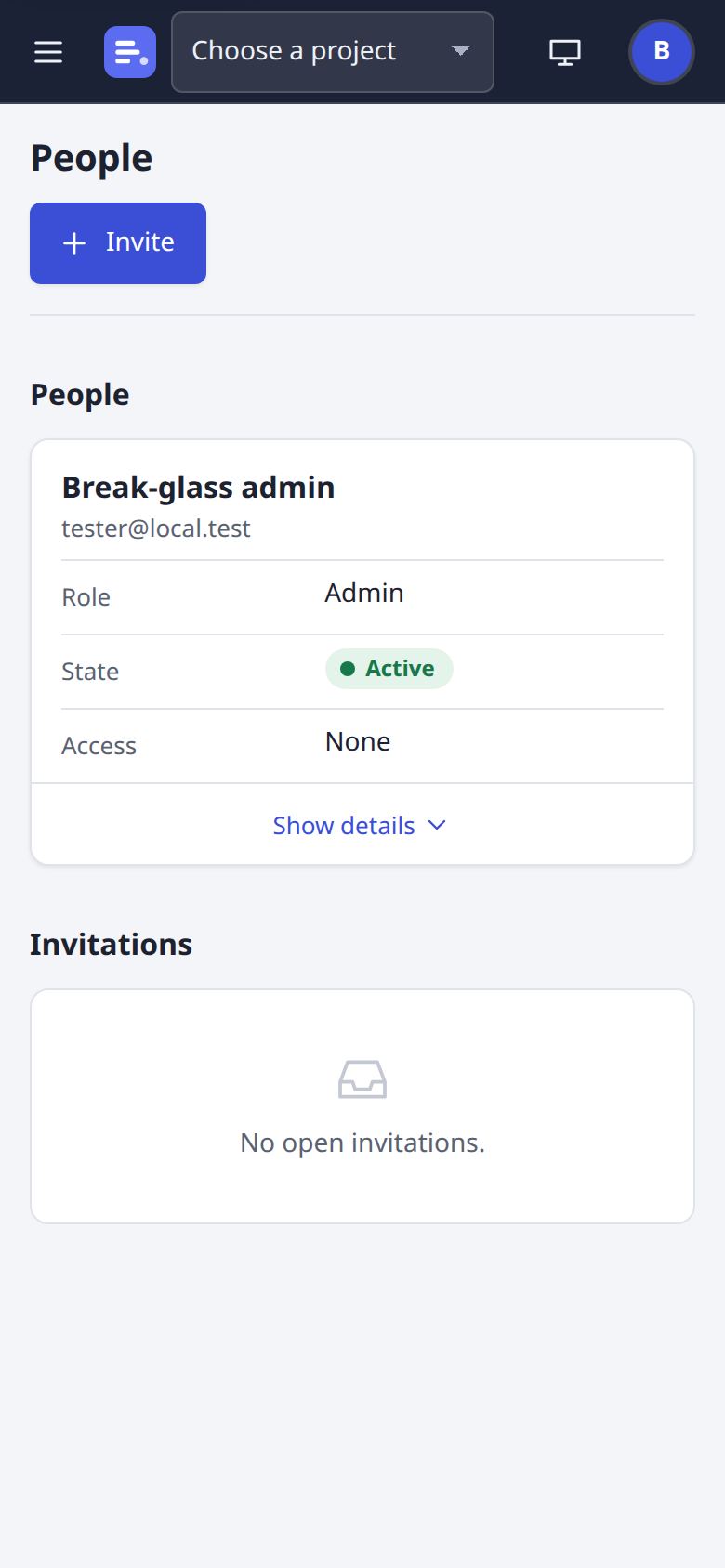
People
Admins see everyone, their role and their permissions per project, and the invitations.
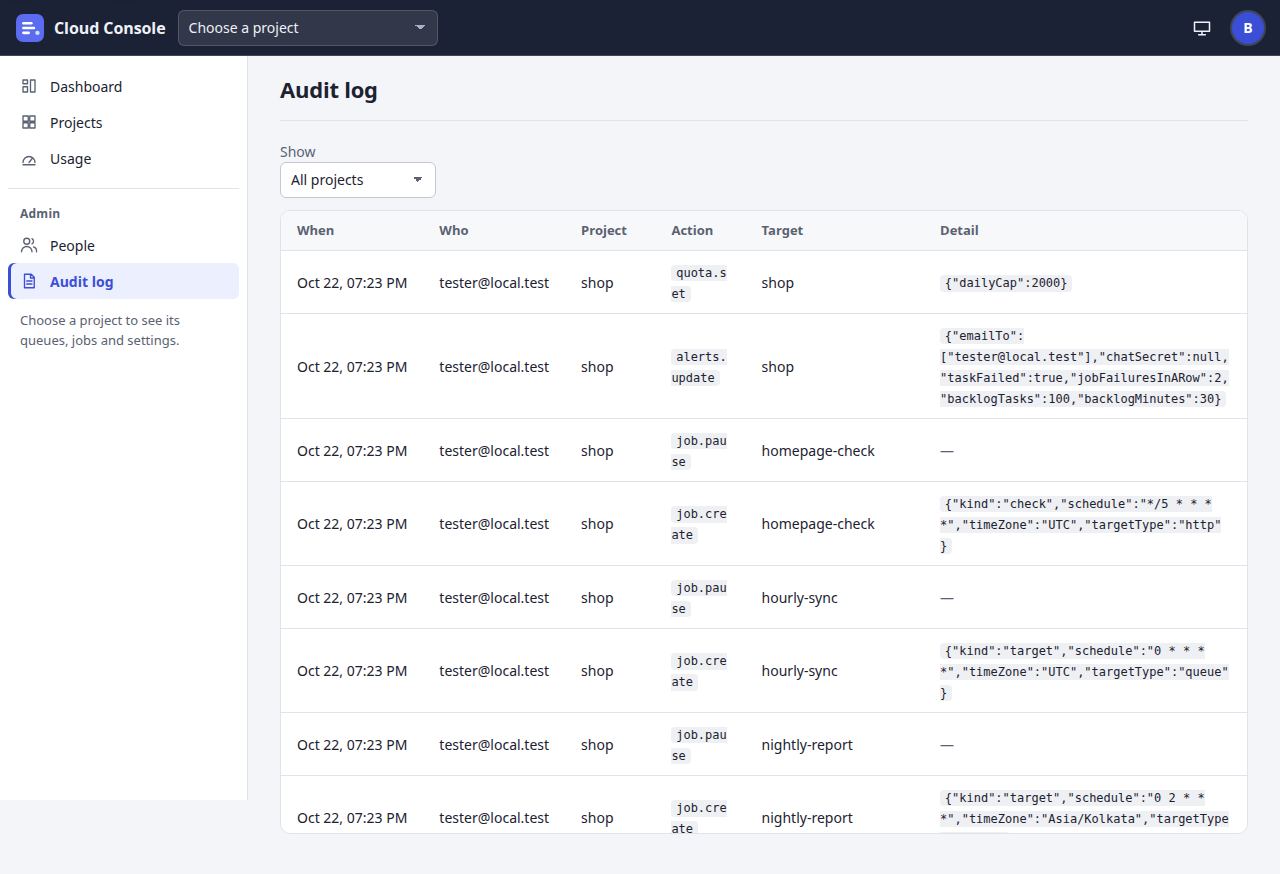
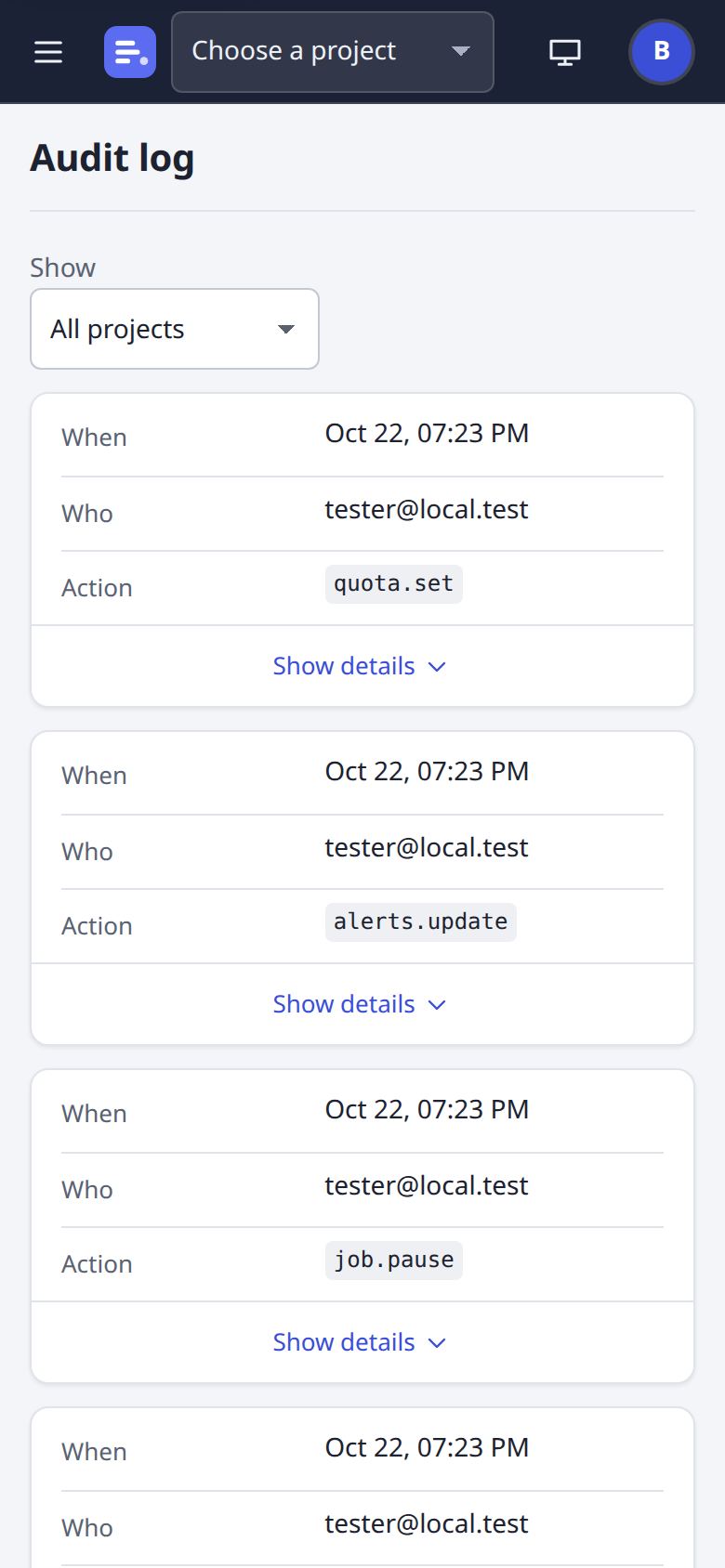
Audit log
Every change: who made it, what, when and in which project, a page at a time.
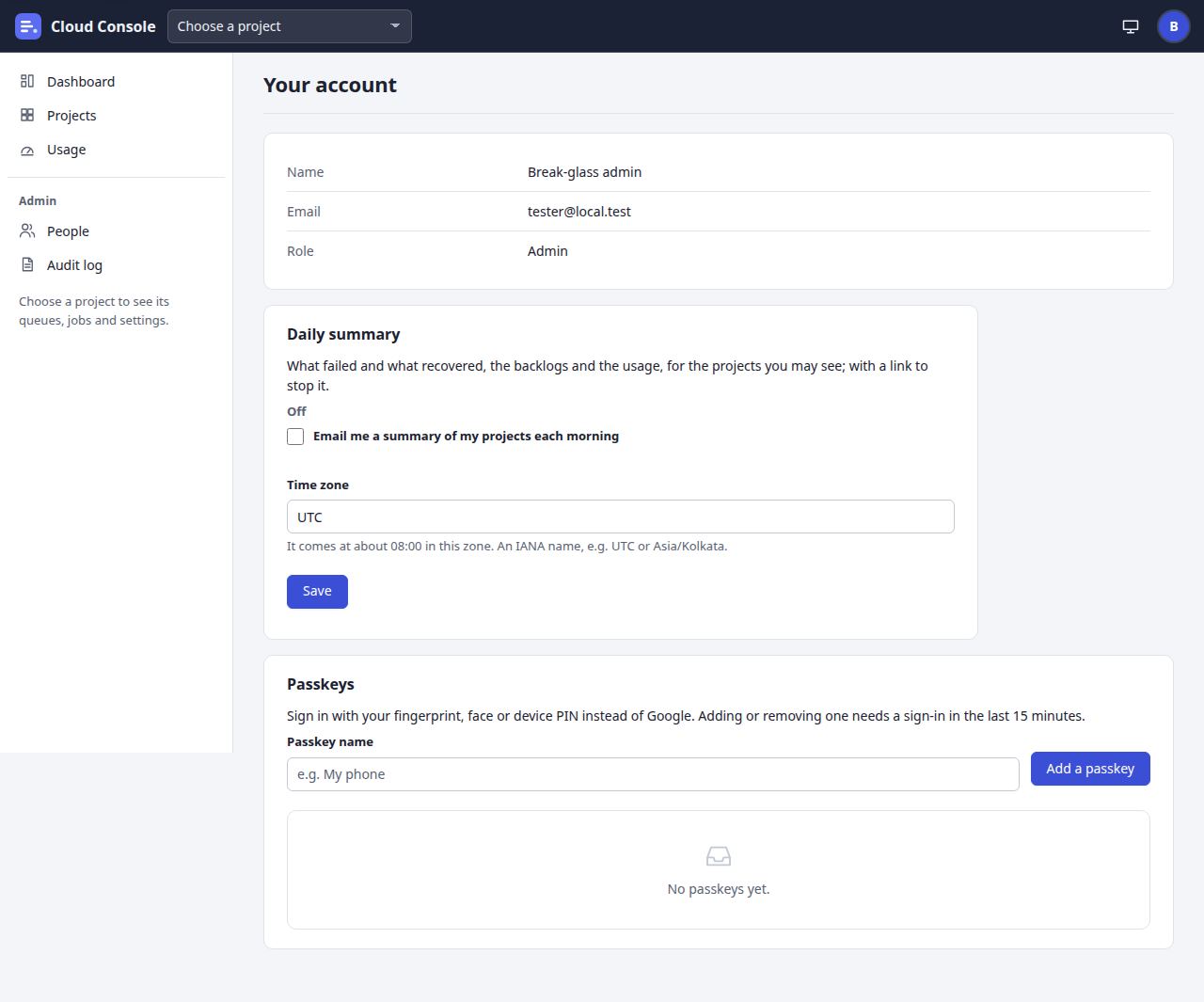
Your account
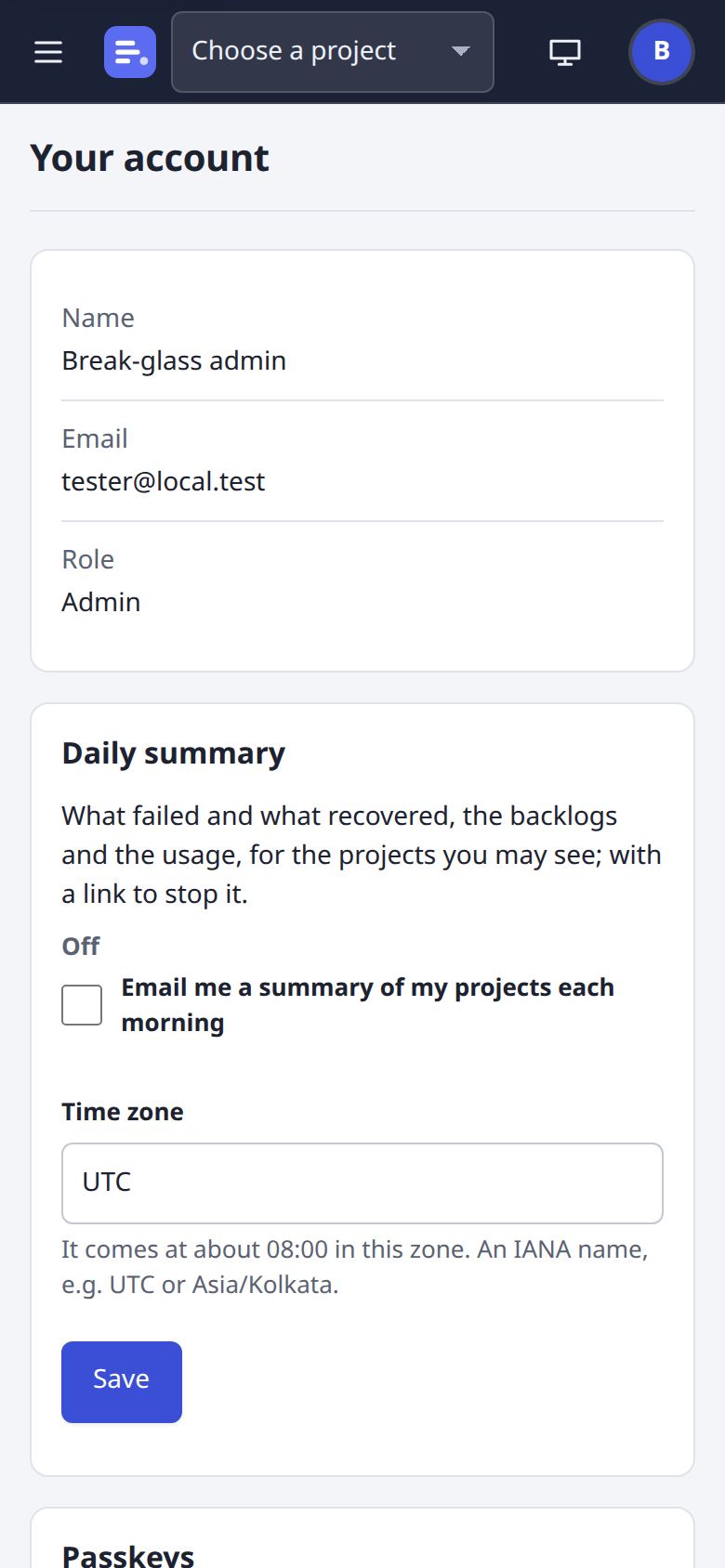
Who you are, your passkeys, and the daily summary email.
Screenshots from a local copy of the console, as it is on main, with made-up demo data, 22 Oct 2026.