Screen 17 of 26, Cloud Scheduler
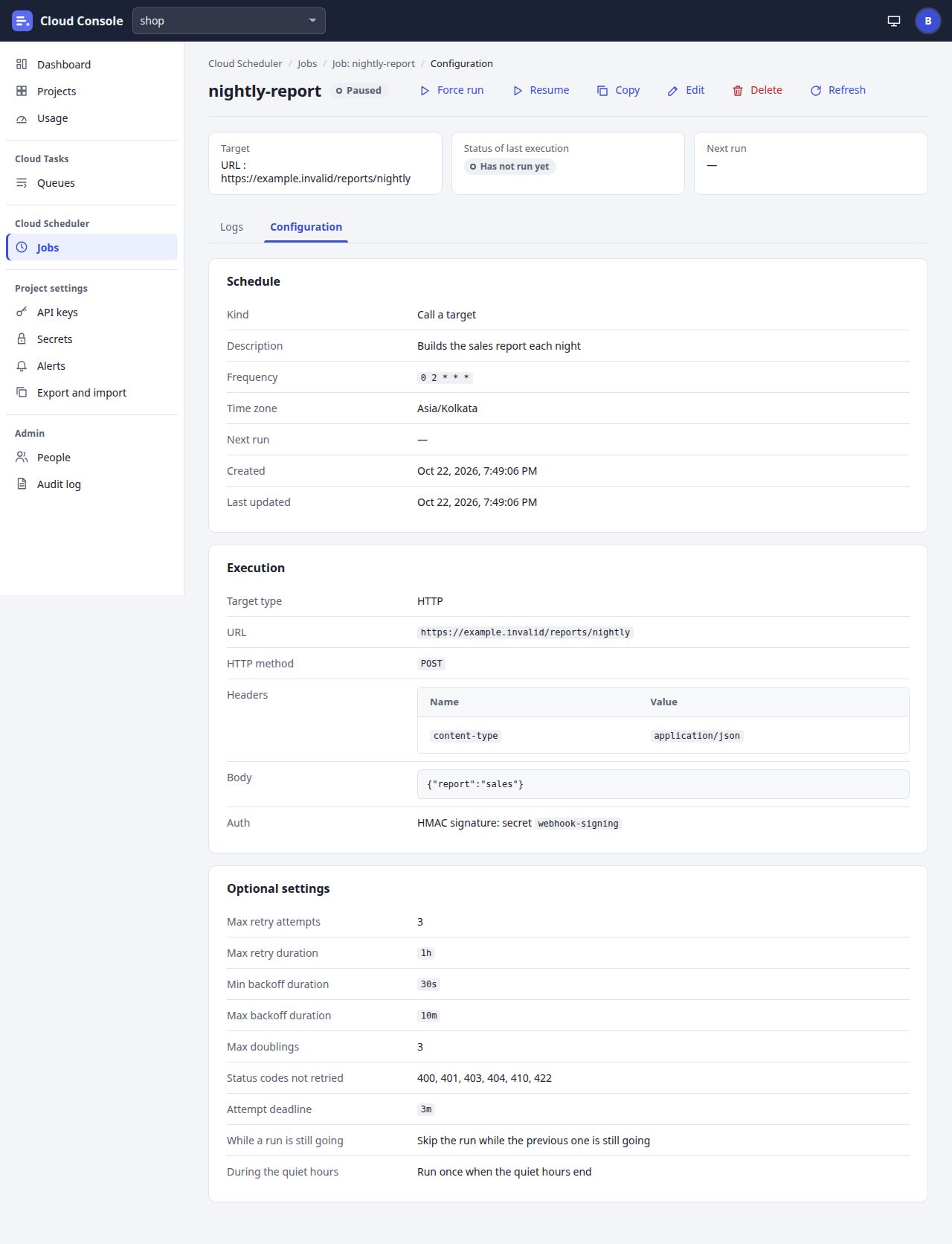
Job configuration
The job’s settings: the schedule, the execution and the optional settings.
Click to go to
- Jobs via Jobs
- Job logs via Job: nightly-report, Logs
- Create a job via Copy, Edit
- Confirm dialog via Delete
- Dashboard via Dashboard, Cloud Console
- Projects via Projects
- Usage via Usage
- Queues via Queues
- API keys via API keys
- Secrets via Secrets
- Alerts via Alerts
- Export and import via Export and import
- People via People
- Audit log via Audit log
- Your account via the account menu
Click an outlined area, or use the links above.
Pictures of a local copy of Cloud Console with the made-up demo project shop, as it is on main. Clicking shows the next screen; nothing is saved. 22 Oct 2026.