Screen 14 of 26, Cloud Tasks
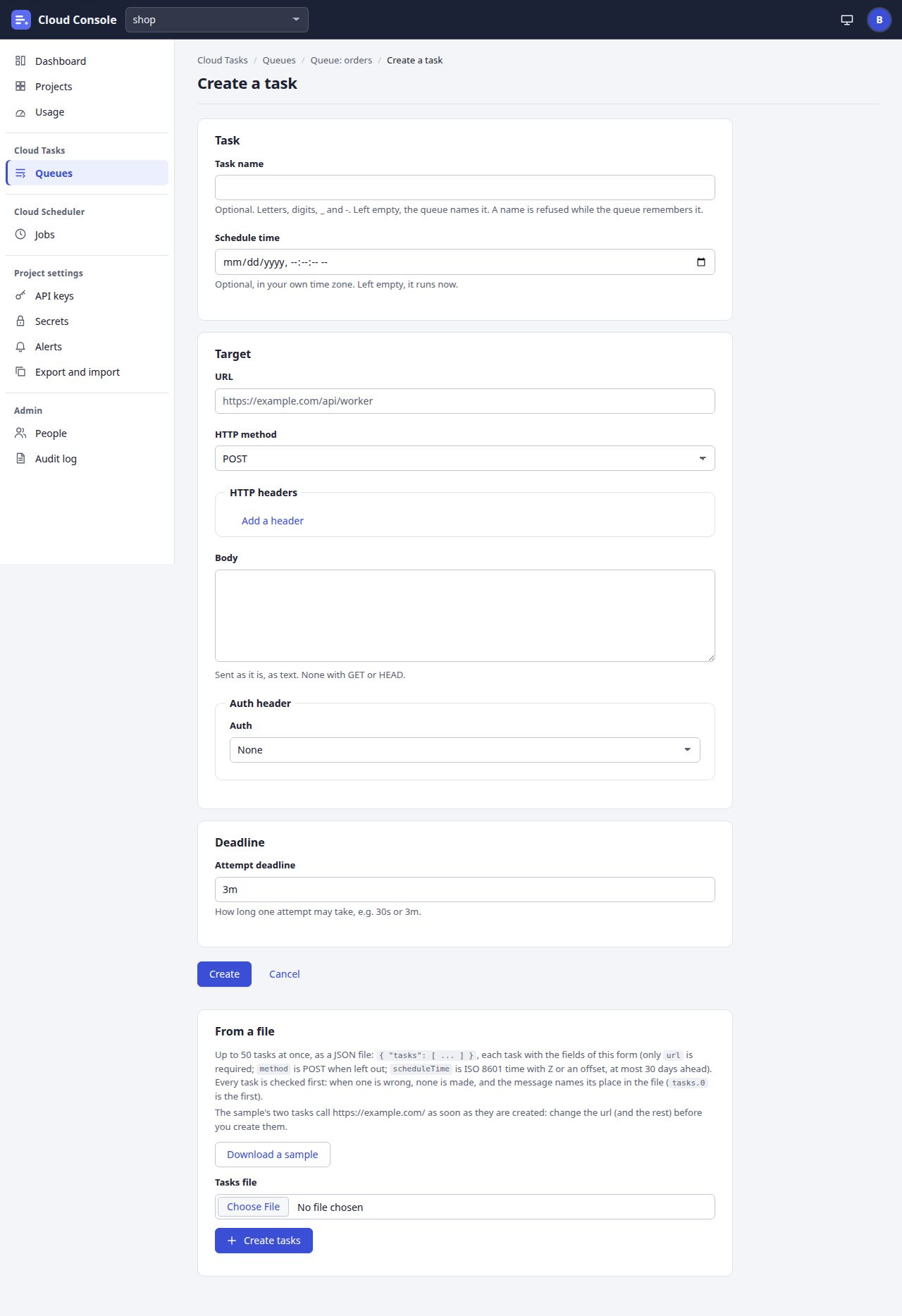
Create a task
A new HTTP task typed by hand, or up to 50 from a JSON file at the foot of the page.
From a file, explained
At the foot of the page. Download a sample saves cloud-console-tasks-sample.json: two tasks that call https://example.com/ as soon as they are made, so change them first. Choose a file of up to 50 tasks, then Create tasks. Every task is checked first: when one is wrong, none is made, and the message names its place in the file (tasks.0 is the first). The answer shows in a status line, such as “Created 2 tasks”, with any task refused and why, and Go to the queue.
The prototype cannot choose a file, so these buttons bring you to this note.
Click to go to
- Queues via Queues
- Queue tasks via Queue: orders, Cancel
- Task created via Create
- From a file, explained via Download a sample, Create tasks
- Dashboard via Dashboard, Cloud Console
- Projects via Projects
- Usage via Usage
- Jobs via Jobs
- API keys via API keys
- Secrets via Secrets
- Alerts via Alerts
- Export and import via Export and import
- People via People
- Audit log via Audit log
- Your account via the account menu
States to try
Click an outlined area, or use the links above.
Pictures of a local copy of Cloud Console with the made-up demo project shop, as it is on main. Clicking shows the next screen; nothing is saved. 22 Oct 2026.